Advanced Cloud Security Best Practices [Cheat Sheet]

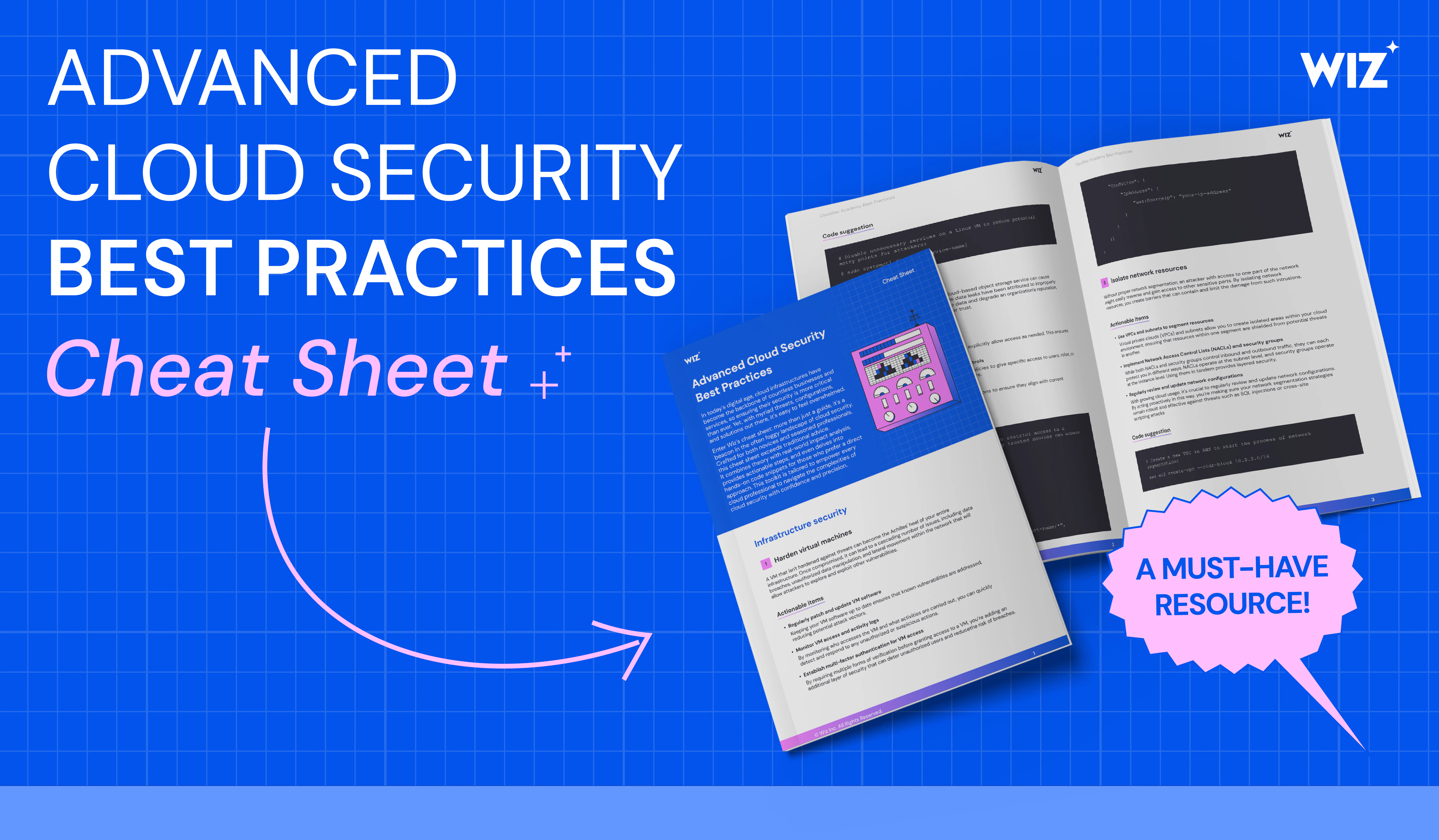
Download Cheat Sheet
Key Takeaways
- Secure Cloud InfrastructureHarden VMs, secure storage buckets, and isolate network resources to minimize entry points and lateral movement.
- Build Secure CodeEnforce secure coding, update third-party libraries, and monitor application logs for early threat signals.
- Enforce IAM Hygiene Rotate keys, audit roles, and monitor access to prevent privilege misuse and escalation.
- Automate for Resilience Use compliance checks to continuously review compliance and leverage threat intelligence to proactively detect and respond to risks.
Who this guide is for
This cheat sheet is built for hands-on practitioners who secure, build, and operate cloud environments day to day, including:
Cloud engineers & platform teams hardening VMs, networks, storage, and cloud services.
Developers & application teams who must implement secure coding practices and maintain third-party libraries.
IAM administrators responsible for access keys, roles, permissions, and access patterns.
SecOps / security analysts monitoring logs, reviewing alerts, detecting anomalies, and triaging incidents.
Incident responders conducting drills, isolating compromised resources, and containing threats.
What’s included
Infrastructure security
The guide walks through how to harden virtual machines, secure cloud storage buckets, and segment networks with VPCs, subnets, NACLs, and security groups. It also includes direct code examples like Linux hardening commands and AWS networking setup so teams can apply fixes immediately.
Application security
It covers secure coding practices, how to keep third-party libraries updated, and how to monitor application logs in real time. The section includes hands-on snippets such as parameterized SQL queries and Filebeat configurations.
Identity and access management
The cheat sheet explains how to rotate access keys, replace long-term credentials with IAM roles, and detect unusual access behavior. AWS CLI examples show exactly how to rotate keys, create roles, and set up IAM monitoring.
Incident response
It outlines how to build a predefined incident response plan, run security drills, detect threats automatically, and isolate compromised cloud resources. This includes sample commands for isolating EC2 instances, simulating attacks, and enabling automated threat-detection tools.
Data protection and privacy
The guide closes with continuous compliance checks and threat-intelligence integration, showing how to monitor cloud resources for misconfigurations and ingest up-to-date threat data. It includes examples using AWS Config and MISP to operationalize these workflows.
맞춤형 데모를 받아보세요
맞춤형 데모 신청하기
"내가 본 최고의 사용자 경험은 클라우드 워크로드에 대한 완전한 가시성을 제공합니다."
"Wiz는 클라우드 환경에서 무슨 일이 일어나고 있는지 볼 수 있는 단일 창을 제공합니다."
"우리는 Wiz가 무언가를 중요한 것으로 식별하면 실제로 중요하다는 것을 알고 있습니다."