
Cloud security emojis that don't take themselves too seriously

CHRISTMAS EDITION!
For SLACK and WHATSAPP!




blame-the-intern-xmas
When to use?
When a simple holiday-season mistake casues a minor issue.

santa-alert
When to use?
When urgent alerts appear during the festive season.


hoho-404
When to use?
When something is missing, unavailable, or fails to load.

grinch-stole-data
When to use?
When data goes missing or suspicious access is detected.

santa-oncall
When to use?
When you're handling alerts or incidents while everyone else is celebrating.

sensor-santa
When to use?
When visibility or findings arrive just in time for year-end security needs.

freeze-prod
When to use?
When production is frozen or deployments are temporarily halted.
patch-before-xmas
When to use?
When you're quickly patching issues before heading into holiday downtime.

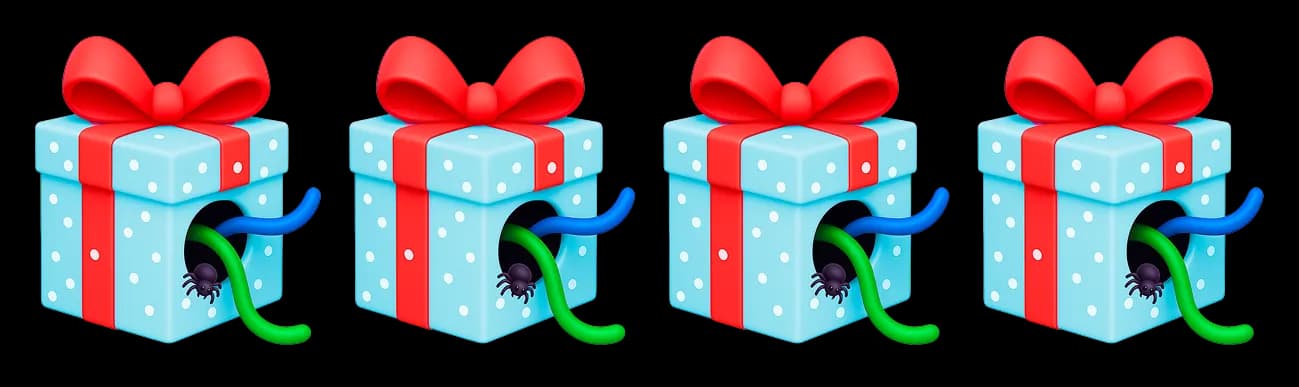
misconfigift
When to use?
When you discover a surprising misconfiguration wrapped in holiday spirit.

0-day-before-xmas
When to use?
When a new vulnerability appears right before the holiday break.
naughty-bucket
When to use?
When exposed or misconfigured data buckets show up during the holiday rush.


How to Add Wizmojis to Slack?
- 1
In any chat, click the smiley face (emoji icon) next to the message box
- 2
Click "Add Emojis"
- 3
Upload your Wizmoji (PNG file) - the name will be added automatically
- 4
Use it proudly and excessively
Note: Slack doesn't support bulk upload.
How to Use Wizmojis in WhatsApp?
Option 1
- 1
Download to your phone (tap and hold → Save)
- 2
Send in chats as regular images

Option 2
- 1
Use an app like Sticker Maker (free on iOS/Android)
- 2
Add 3+ Wizmojis
- 3
Export the pack to WhatsApp
- 4
Enjoy confusing your friends with niche cybersecurity references