

Why teams are moving beyond Docker
Docker’s widespread adoption has made it the de facto standard for containerization. However, a growing ecosystem of alternative container runtimes, image stores, and tooling has emerged, and each offers unique features for specific use cases and production requirements.
Moreover, most container platforms adhere to Open Container Initiative (OCI) specifications, which define standards for container images, runtimes, and registries. This compatibility allows you to reuse OCI-compliant images across different platforms and makes it easy to switch from Docker to an alternative platform without rebuilding your existing Docker images.
Container Security Buyer's Guide
Ensure the container security solutions you're considering can deploy the full set of capabilities required to secure the entire CI/CD lifecycle.

Top 5 Docker alternatives to look into
Now, let’s explore five popular Docker alternatives that can enhance your container management, strengthen security, and improve scalability across development and production environments:
1. Podman
Podman runs containers without a background daemon, which eliminates the root-level attack surface that Docker's architecture creates. This daemonless design means no persistent privileged process is running on your system, reducing both resource consumption and security risk from potential container escape vulnerabilities.
For teams migrating from Docker, Podman offers near-complete CLI compatibility. Commands like podman run and podman build mirror Docker's syntax, and Podman supports Docker Compose files directly. The Podman Desktop app adds a graphical interface and can launch local Kubernetes clusters for development workflows.

Key features:
Docker-compatible CLI: Offers a Docker-compatible CLI to minimize the learning curve for Docker users
Daemonless architecture: Improves security posture while reducing resource usage
Podman Desktop: Provides a GUI replacement for Docker Desktop with support for local Kubernetes clusters
Rootless containers: Improves security in complex container environments
2. Docker Swarm
Docker Swarm is an orchestration tool, not a container runtime replacement. It's built into the Docker Engine and lets you manage containerized applications across a cluster of machines rather than a single host.
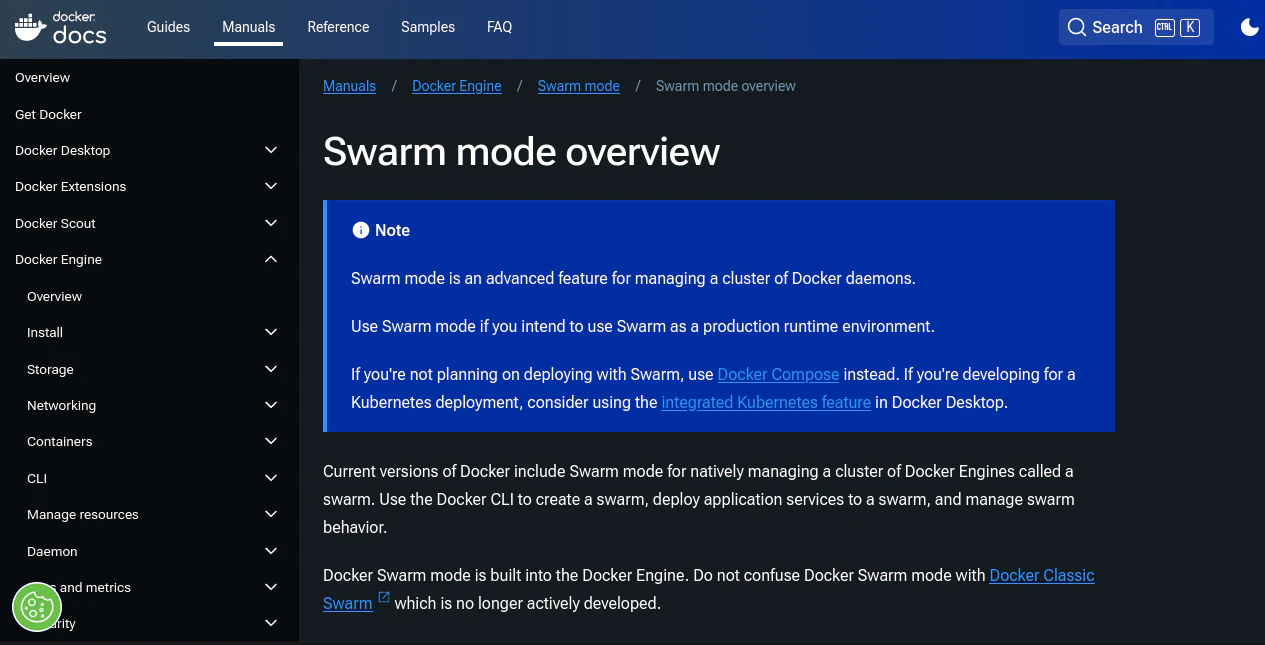
Where 'docker run' launches containers on one node, Swarm mode defines services that run across multiple containers in a managed cluster. It simplifies container orchestration with declarative service definitions, horizontal scaling, rolling updates, and built-in load balancing.
Key features:
Built-in orchestration: Integrates directly into the Docker Engine so you don't need to install any other components
Declarative management with rolling updates: Automatically maintains desired service states and enables rolling updates for minimal downtime
Service discovery and load balancing: Discovers services automatically and distributes traffic evenly across healthy containersSimple CLI experience: Builds on existing Docker CLI knowledge
3. Rancher Desktop
Rancher Desktop is a free, open-source alternative to Docker Desktop that bundles container management and Kubernetes workflows into a single tool. For teams affected by Docker Desktop's commercial licensing requirements, it offers a direct replacement.
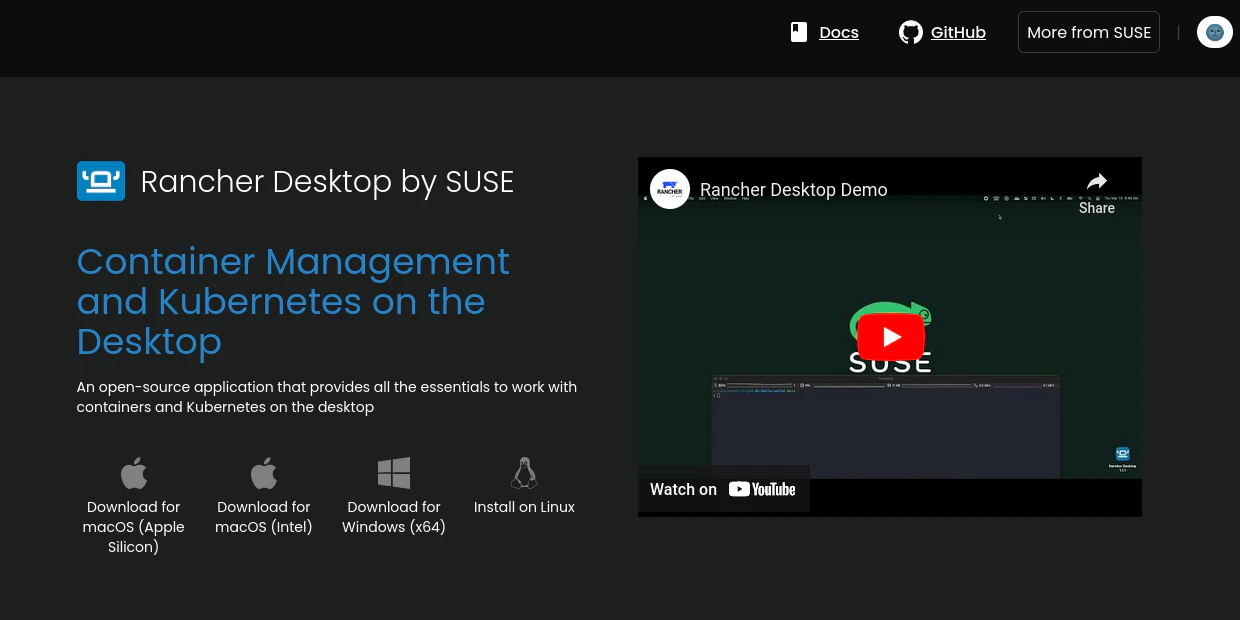
You can choose between two container engines: containerd (default) or dockerd. When using dockerd, Rancher Desktop functions as a drop-in Docker Desktop replacement with the same CLI experience. The bundled nerdctl tool provides Docker-compatible commands and includes built-in vulnerability scanning via Trivy.
Key features:
Built-in container engines: Offers a choice between containerd (with nerdctl) or traditional dockerd (with the Docker CLI)
Integrated Kubernetes: Can launch lightweight Kubernetes clusters with a click, which is ideal for local development
Image scanning: Scans container images using Trivy, an open-source vulnerability scanner
Cross-platform support: Offers a consistent development experience across macOS, Windows, and Linux
4. Heroku
Heroku is a platform-as-a-service (PaaS) tool, not a container runtime replacement. It abstracts away container management entirely, letting you deploy applications without managing infrastructure or orchestration.
For teams whose real need is "deploy without container overhead" rather than "replace Docker with another container tool," Heroku offers a simpler path. You can push pre-built OCI images to Heroku's container registry, but you won't have the low-level control that Podman or Docker provide.
Key features:
Fully managed: Handles networking, infrastructure, and scaling so you can focus on shipping code
Integrated container registry: Supports pushing pre-built OCI images for faster deployment
Managed add-ons: Offers one-click integrations for databases, caching, observability, and more
5. LXC
LXC (from Linux Containers) provides system-level containers rather than application containers. Where Docker isolates individual application processes, LXC containers behave more like lightweight virtual machines with full Linux functionality.
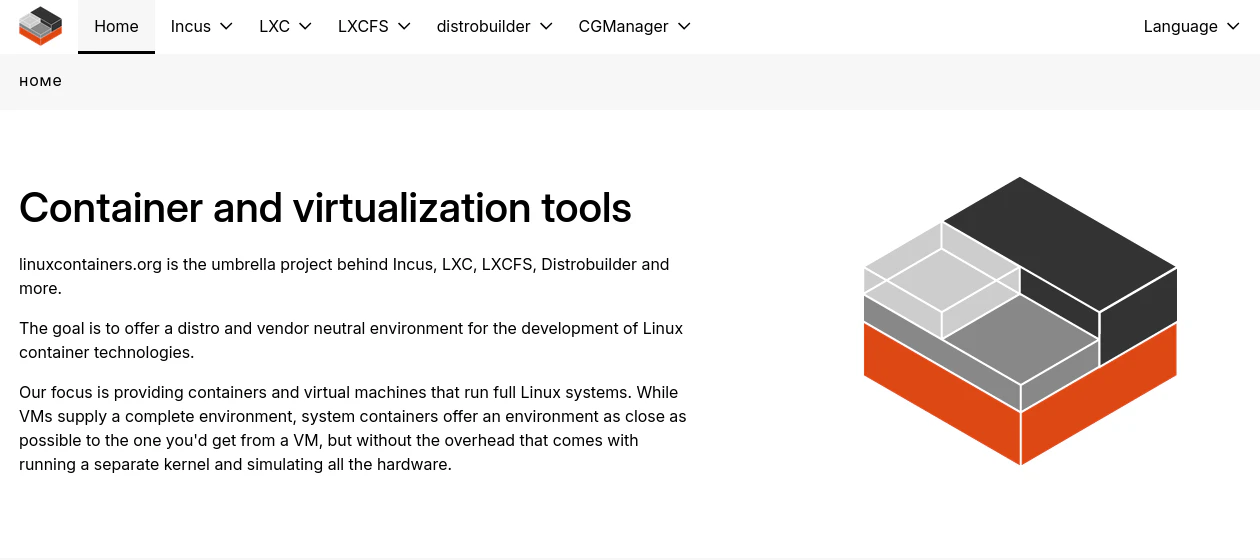
This architecture makes LXC suitable for different use cases than Docker. LXC containers share the host kernel but can run multiple services, preserve state across reboots, and host long-running workloads. However, LXC containers are not OCI-compliant, so migrating Docker images requires conversion.
Key features:
OS-level containerization: Runs containers as standalone Linux systems to provide a near-VM experience
Persistent containers: Runs multiple workloads in a single container and preserves state across reboots
Granular control: Offers a higher level of granular control for container environments
What is Docker vulnerability scanning?
Docker vulnerability scanning is the automated process of analyzing container images to find known security weaknesses.
Leer más

Additional Docker alternatives
Docker is a great starting point because it simplifies building, testing, and running containers. However, for production environments that require orchestration, scalability, and high availability, you may need a few specialized tools.
The below tools aren't direct Docker alternatives themselves, but developers often use them to run containers in production and host isolated workloads:
6. Kubernetes
Kubernetes is a container orchestrator, not a container runtime. It manages containers across distributed systems but requires a separate runtime like containerd or CRI-O to actually run those containers. Kubernetes dropped direct Docker support (dockershim) in favor of CRI-compliant runtimes.
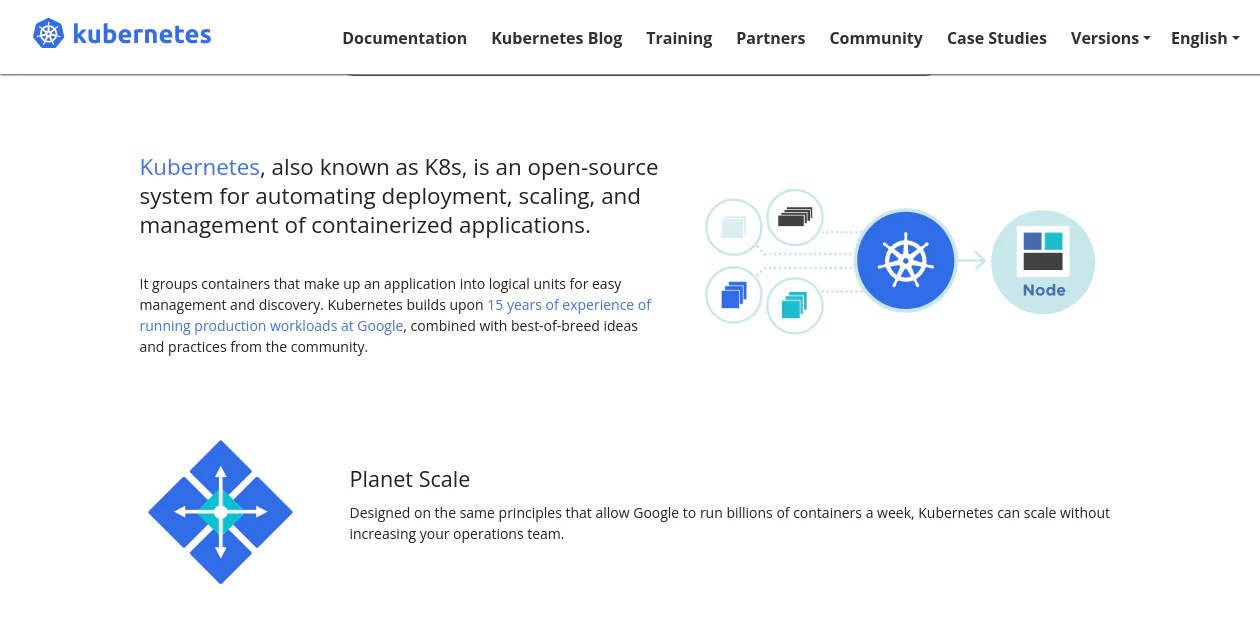
For teams scaling beyond single-host deployments, Kubernetes addresses production challenges like auto-scaling, self-healing, and load balancing. A cluster consists of multiple compute nodes running containers as pods, with built-in features like role-based access control (RBAC) and resource quotas for governance.
Key features:
Declarative workload: Automatically maintains the desired state for services and infrastructure after you define it
Built-in autoscaling: Provides out-of-the-box support for both horizontal and vertical scaling
Self-healing: Automatically reschedules failed containers and replaces unhealthy nodes
RBAC and namespace isolation: Enables access control and decoupling of different environments within the same cluster
Top 11 Open-Source Kubernetes Security Tools 2026
It’s a good idea to consider a range of Kubernetes security tools. Open source solutions can greatly improve the security of your Kubernetes clusters, so this section explores the top 11 open-source Kubernetes security tools that can help to safeguard your Kubernetes environment.
Leer más
7. Virtual machines
VMs are a strong alternative to containers for workloads that demand strict isolation, compatibility with legacy systems, or tightened security. They can also handle persistent storage and complex networking with fewer workarounds.
Tools like KVM and VirtualBox allow you to run full-fledged operating systems on a single physical machine, each with its own kernel and system libraries.
Key features:
Complete system isolation: Increases security by consolidating workloads into an independent operating system
Operating system diversity: Runs different operating systems side by side on the same host
Persistent storage and networking: Supports disk persistence, advanced networking, and custom hardware emulation
How to choose a container tool
Selecting the right Docker alternative requires matching tools to your primary pain point. Ask yourself: Is the driver licensing costs, security posture, local development performance, or production orchestration needs?
Evaluate alternatives against these dimensions:
Migration compatibility: Does the tool support OCI standards? Can you reuse existing Docker images and Dockerfiles without modification?
Security architecture: Does it offer rootless or daemonless operation? How does it reduce your attack surface compared to Docker?
Developer experience: How steep is the learning curve? Does the CLI or GUI match your team's existing workflows?
Production readiness: Does it provide orchestration features, or will you need Kubernetes or another platform for scaling?
Selecting the right Docker alternative ultimately involves making trade-offs. For instance, replicating infrastructure in containers can add 40 to 100 percent to application costs, so teams must weigh these expenses against benefits like developer adoption or cloud native orchestration features. But the good news is that you can mix and match most container tools as your application evolves.
Take the 10-Minute Wiz Container Security Tour
In this short interactive tour, you’ll follow a real-world scenario where Wiz identifies exposed containers, visualizes the full attack path, and fixes the issue directly in code—all within minutes.

Beyond Docker alternatives: Securing your containers
Switching container tools doesn't eliminate container security risk. Misconfigurations, vulnerable images, and supply chain attacks can compromise your environment regardless of whether you're running Docker, Podman, or Kubernetes.
Most teams benefit from combining container tools—using Docker to build images, Podman for local development, and Kubernetes for production orchestration. But without runtime visibility into which vulnerabilities are actually exploitable, you're still operating blind.
Wiz provides continuous scanning across container images, infrastructure configurations, and cloud services to surface vulnerabilities and misconfigurations before they reach production. Our platform shows you which containers are internet-facing, which have access to sensitive data, and which vulnerabilities pose real risk—not just theoretical CVE counts.
Wiz also offers hardened container images through WizOS, maintained with near-zero CVEs to minimize inherited vulnerabilities and supply chain risk from day one. This lets your team ship faster without expanding your attack surface.
Ready to see how it works? Get a demo or download the Container Security Best Practices Cheat Sheet for actionable guidance.
See Wiz in Action
Discover how Wiz scans containers, enforces policies, and prioritizes risks across your Kubernetes environment—without agents.
