

What is CI/CD security scanning?
CI/CD security scanning runs automated security checks inside your build and deployment pipelines so every meaningful code change is tested for risk before it reaches production. Teams pushing code many times a day across dozens of services, cloud native or otherwise, rely on these checks to keep speed from turning into exposure.
Community efforts like the OWASP Top 10 CI/CD Security Risks map out where these pipelines get attacked, from poisoned pipeline execution to insufficient flow control, and they're a useful reference point when deciding which checks matter most.
In practice, this is what people call:
DevSecOps: Bringing security into DevOps instead of treating it as a separate function.
Shift-left security: Catching issues earlier in development rather than in production. McKinsey describes shift-left as a core DevSecOps practice, embedding automated testing and compliance checks directly into CI/CD pipelines.
Continuous security testing: Running checks on every change, not once a year.
Security as code and policy as code: Expressing rules as code so they can be versioned and automated.
Security gates: Automated rules that decide if a build can move to the next stage.
CI/CD Pipeline Security Best Practices [Cheat Sheet]
In this 13 page cheat sheet we'll cover best practices in the following areas of the CI/CD pipeline: Infrastructure security, code security, secrets management, access and authentication, monitoring and response

Scanning types for comprehensive CI/CD coverage
No single scanner covers a pipeline. Comprehensive coverage comes from layering several scan types, each catching a different class of problem:
Static Application Security Testing (SAST) scans your application code without running it, finding insecure patterns like SQL injection or cross-site scripting. Run it on every commit or pull request so developers get feedback while they're still in the code.
Dynamic Application Security Testing (DAST) tests a running application from the outside, sending real HTTP requests to catch issues in live behavior. It works best against staging, so schedule full scans after deployments or nightly and add lightweight targeted API tests earlier for faster feedback.
Software Composition Analysis (SCA) scans both direct and transitive dependencies against vulnerability databases like the National Vulnerability Database (NVD) and enforces license policies before legal surprises reach production.
Container image scanning looks inside your images for vulnerabilities and bad configs, covering the base operating system, application libraries, and Dockerfile instructions.
Cloud Security Posture Management (CSPM) continuously assesses your cloud infrastructure against security and regulatory baselines, flagging risks like overly permissive access policies or exposed databases.
Secrets scanning finds sensitive values like API keys and passwords that end up in code or images. It deserves its own treatment, which we’ll cover below.
CI/CD security scanning best practices
Layering scan types is only half the job. The best practices below determine whether all those findings actually reduce risk or just pile up as noise.
Scan for secrets across the pipeline lifecycle
Secrets scanning only works if it covers the whole pipeline, not just the repo. Scan pre-commit hooks, repository history, pipeline artifacts, and running workloads to catch leaked credentials wherever they end up. Extending detection this far cuts dwell time for leaked credentials and gives you visibility from code to cloud.
Scanning catches leaks, but secrets management stops them from happening as often. Use a dedicated secrets manager like HashiCorp Vault, AWS Secrets Manager, Azure Key Vault, or Google Secret Manager instead of storing credentials in source control. Favor short-lived credentials through OIDC (OpenID Connect) workload identity federation over static secrets, and inject environment variables at runtime rather than hardcoding them into deployment manifests.
Rotation schedules should match the secret, from CI tokens that live for minutes to database passwords that rotate every few weeks, with clear break-glass procedures for regaining access when something fails.
Scan infrastructure as code and container builds
Infrastructure as Code (IaC) declares your networks, databases, and servers in files that deploy automatically, so IaC scanning can catch security groups open to any traffic, unencrypted storage buckets, and public endpoints on internal-only services before they ever reach the cloud.
Policy-as-code frameworks turn the rules those scans enforce into versioned, testable code:
Open Policy Agent (OPA) with the Rego language writes policies for Terraform, Kubernetes, and CI/CD systems
Conftest validates configurations against those policies
Kyverno offers a Kubernetes-native engine with simpler YAML-based rules
Configuration drift, when someone changes cloud resources directly instead of through IaC, is the next risk scans need to catch. Compare what your IaC says should exist against what actually exists, then alert or auto-remediate when they diverge.
Container image scanning needs a secure build process behind it to be worth running. Start with trusted, hardened base images and avoid random images from public registries. Wiz's Cloud Data Security report found 12% of cloud environments have publicly exposed containers with high-severity vulnerabilities that have known exploits. A "golden image" program, a small set of known-good, patched base images teams build on instead of starting from scratch, keeps that risk down.
Image signing adds a scan checkpoint of its own: cryptographic integrity verification. Sigstore's Cosign signs images with ephemeral keys backed by OIDC identity, while Docker Content Trust uses Notary v2 for verification.
At deploy time, admission controllers like Kyverno or OPA Gatekeeper act as your last scan gate, blocking root containers and verifying signatures before pods run, applying the same policy consistently across development, staging, and production.
Scan for software supply chain risk and provenance
Software supply chain scanning gives you cryptographic proof of the build process and a complete inventory of components, so you can verify what you actually built and deployed.
Pipelines themselves are targets. In a recent Shai-Hulud campaign, an npm worm spread through thousands of GitHub repositories, per Wiz's Shai-Hulud analysis.
Software Bills of Materials (SBOMs) list every component, including direct and transitive dependencies, OS packages, and license information, in SPDX or CycloneDX format. Generate them during builds with scanning tools like Syft, Trivy, or native package managers.
SLSA (Supply-chain Levels for Software Artifacts) is a framework for software build integrity that scanning and provenance checks work toward. Level 2 requires version-controlled source and generated build provenance. Level 3 adds hardened, isolated build environments and non-falsifiable provenance. Provenance attestations (via in-toto) record commit SHA, builder identity, and timestamps, signed with Sigstore Cosign so they verify at deployment.
The same admission controllers from the container scanning practice above validate signatures, SBOM presence, and provenance, creating an auditable chain from commit to production.
Scan pipeline permissions for zero-trust gaps
Wiz's State of Code Security report found 80% of repository workflows have insecure default permissions, a gap that pipeline permission scanning is built to catch before an attacker finds it first.
Pipeline isolation is the fix scans should be checking for. Give each stage its own narrow identity so a build job can compile and push artifacts but not deploy them, and a deploy job can pull images and update services but not change source code.
Avoid shared static credentials and tighten default permissions using OIDC-based workload identity federation instead. GitHub Actions, GitLab CI, and CircleCI issue OIDC tokens that AWS, Azure, and GCP exchange for short-lived credentials, so each job authenticates with its own identity and leaves no long-lived secrets to rotate or leak.
Network segmentation adds another layer scans can verify. Keep build runners, artifact registries, and production in separate zones, secured with private endpoints and mutual TLS (mTLS) for service-to-service authentication. Log pipeline activity to a central SIEM (Security Information and Event Management) so your team can spot an attacker creating new pipelines, changing pipeline definitions, or abusing credentials. This kind of pipeline hardening is what teams now expect from CI/CD security tools.
Watch 5-minute demo
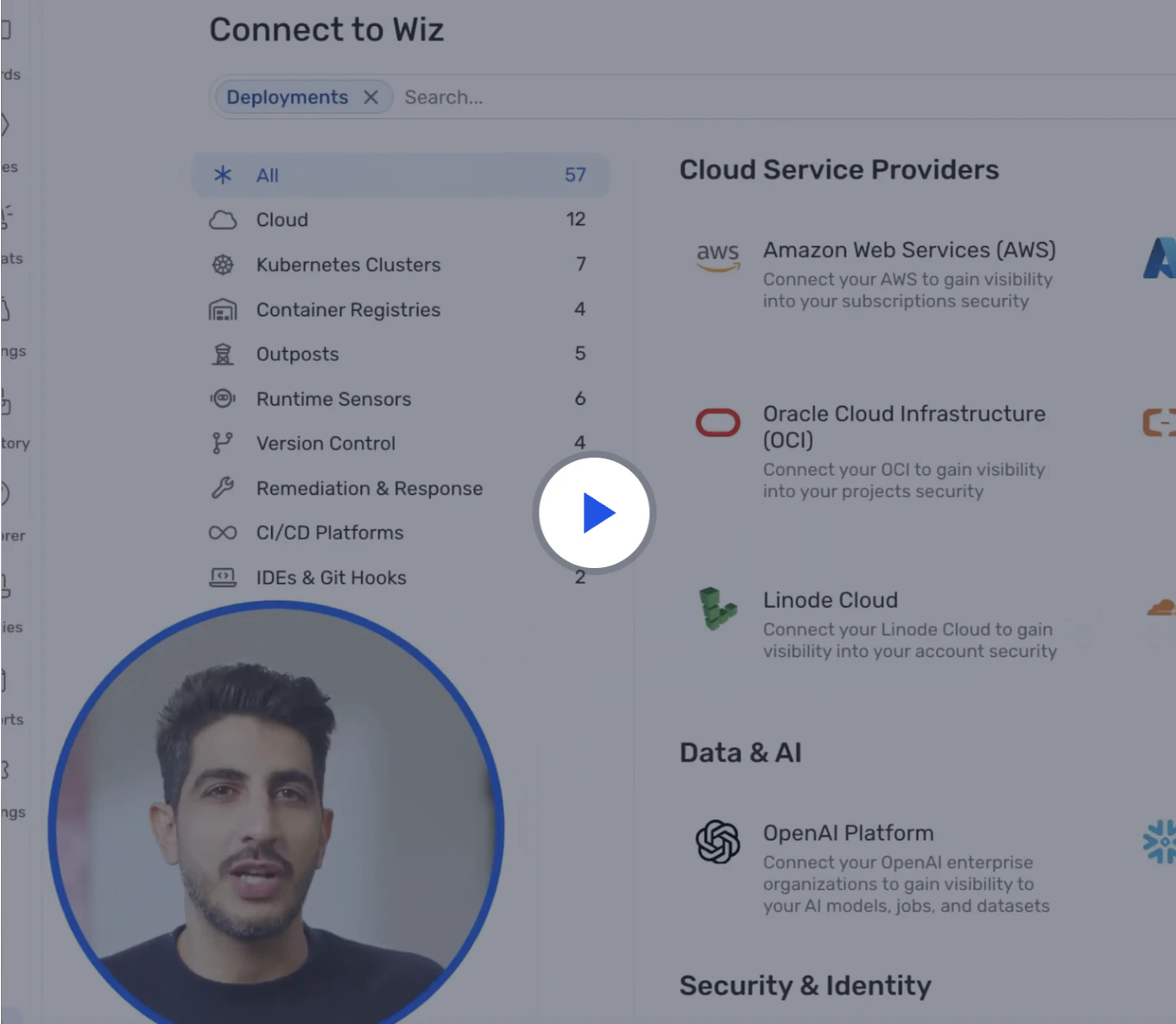
Watch the demo to learn how Wiz Code scans infrastructure as code, container images, and CI/CD pipelines to catch risks early—before they reach the cloud.
Watch now
Prioritize scan findings with cloud context
Scanners routinely surface more findings than any team can work through, so ranking by real risk is what turns a long list into a short one.
Context-driven prioritization adds real-world information, such as:
Where the vulnerable component lives
How it's exposed
What identities can reach it
What sensitive data it touches
Graph-based analysis connects those factors into attack paths, showing how an attacker could chain weaknesses together. This is exactly what the Wiz Security Graph is built to do. It ties pipeline findings to what's actually running in your cloud so you focus on toxic combinations instead of isolated findings.
Key questions to answer include:
Is the service internet-facing?
Is the vulnerable code path used in production?
Could this lead to admin access or lateral movement?
A misconfigured security group that opens a port, a vulnerable service listening on it, and an overprivileged role reaching a critical database might each look minor alone. But together, they form a toxic combination that deserves immediate attention.
A centralized platform helps here too. Normalizing findings from multiple tools turns three scanners flagging the same library into one ticket, not three.
Feed runtime context into scan prioritization
Runtime context is what your production systems tell you about how code actually behaves. Feed that signal back into scanning and your pipeline stops guessing. It knows which vulnerable paths really execute and which never run.
Production telemetry reveals which code paths run in real workloads and where attackers probe. This is where Wiz Code and runtime signals work together. When runtime protection blocks an attack, that evidence flows back to the owning team and commit so the fix lands at the source rather than in a triage queue.
A vulnerability in code that never runs in production may not be top priority for your scan queue. One on a hot path handling sensitive data should jump to the front of it.
Runtime data also validates scan results. If SAST flags code that appears unused, confirm it through production coverage data before de-prioritizing. Scan policies can then adjust to the environment, accepting certain risks in dev while triggering a hard block in production.
Speed up scan performance without sacrificing security
Scanning doesn't have to slow you down. Running scans in parallel, caching unchanged results, and scanning incrementally on pull requests lets security keep pace with delivery instead of blocking it. Many SAST tools can analyze only the modified files or modules in a pull request, so you still run deeper full scans, just less often.
Not every pipeline needs the same rigor:
Feature branches get fast, non-blocking checks
Release branches get full scans with some blocking rules
Production deploys get strict gates on critical and high-risk findings
This is progressive security: controls get stricter the closer you are to real users.
Deliver scan findings in developer-friendly workflows
For scanning to work long term, developers need to be comfortable acting on what it flags, which means findings need to show up where they already work rather than in a separate dashboard they never open. Put scan output in IDEs, pull requests, and team chats. Each finding should state what's wrong, exactly where it is, and how to fix it.
Progressive disclosure keeps that output from overwhelming people. Show the most important findings by default and let power users drill into detail.
Self-service matters too. Developers who can run scans locally, check their own scoreboards, and pull remediation playbooks are more likely to engage, especially when a security champions program embeds people who understand both the code and the tooling.
Turn scan results into compliance evidence
SBOM generation, secrets scanning, and container scanning aren't just technical controls. They're evidence. Automated checks map that scan output to regulatory frameworks like SOC 2, ISO 27001, NIST 800-53, the NIST Secure Software Development Framework (SSDF), CIS Benchmarks, PCI DSS, and HIPAA, then run in the pipeline and on a schedule, where violations block deployments or trigger reviews.
Audit trails are your evidence: who triggered deployments, which scans ran, and how issues got fixed.
Map CI/CD security controls to compliance frameworks
Different industries require different frameworks. This table maps common CI/CD security controls to specific requirements:
| Security Control | SOC 2 | ISO 27001 | NIST 800-53 | NIST SSDF | CIS Controls | PCI DSS |
|---|---|---|---|---|---|---|
| SBOM generation | CC7.2 | A.8.16 | SA-4(6) | PW.1.3, PW.8.1 | 2.4 | 6.3.2 |
| Secrets scanning | CC6.1 | A.9.4.1 | IA-5 | PW.8.2 | 3.3 | 8.2.1 |
| Container image scanning | CC7.2 | A.12.6.1 | RA-5 | PW.7.1 | 7.3 | 6.2 |
| IaC security scanning | CC7.2 | A.14.2.1 | SA-11 | PW.7.1 | 18.3 | 6.3.1 |
| Pipeline access control | CC6.1 | A.9.2.1 | AC-2, AC-3 | PS.1.1 | 6.1 | 7.1 |
| Build provenance | CC7.2 | A.8.16 | SA-10 | PW.1.1, PW.4.1 | 2.5 | 6.3.2 |
| Admission policies | CC7.2 | A.14.2.9 | CM-7 | PW.5.1 | 4.1 | 2.2 |
Implement each control with automated checks that run continuously and generate audit evidence, then store the reports in tamper-evident logs auditors can review.
How Wiz enables advanced CI/CD security practices
Wiz secures everything you build and run in the cloud on a single platform, and CI/CD security scanning is one of the workflows it supports.
Wiz Code scans IaC templates, dependencies, container images, and secrets across repositories and pipelines. Unlike generic scanners, it adds cloud-aware context by understanding how your code will actually deploy, including which IAM roles it uses, which networks it joins, and which data it touches, flowing that context into IDE plugins and pull request comments.
The Wiz Security Graph ties those findings to what's actually running in your cloud, connecting them with identities, network paths, and data sensitivity to surface toxic combinations. A medium-severity container vulnerability, for instance, becomes critical once the graph shows it runs with admin privileges behind an internet-exposed load balancer with a path to customer PII.
That lets you prioritize by real attack paths and trace any issue from production back to its source in code. From there, Wiz's unified policy engine defines rules once across code, CI/CD, cloud, and runtime, while WizOS hardened images ship near-zero CVE base images that cut noise so teams focus on application risk.
The same model now extends to AI. Wiz AI-APP secures the AI application lifecycle from code to runtime, so the models, agents, and data your pipelines ship are governed by the same view of risk as the rest of your cloud.
Request a demo to explore how Wiz can secure your cloud environment.
Secure your cloud from code to production
Learn why CISOs at the fastest growing companies trust Wiz to accelerate secure cloud development.
