

What is DevSecOps?
DevSecOps is the practice of integrating security throughout the software development lifecycle (SDLC) rather than treating it as a final gate before release. This shift-left approach embeds automated checks at every SDLC phase—planning, coding, building, testing, and deployment—so vulnerabilities surface when they're cheapest to fix.
The core principle is simple: security aligns with development velocity instead of opposing it. When checks run automatically in CI/CD pipelines and pre-commit hooks, teams catch misconfigurations, vulnerable dependencies, and exposed secrets before they reach production. Security teams gain enforcement visibility without creating bottlenecks, and developers get actionable feedback in their existing workflow. The result is fewer production escapes, faster release cycles, and lower remediation costs.
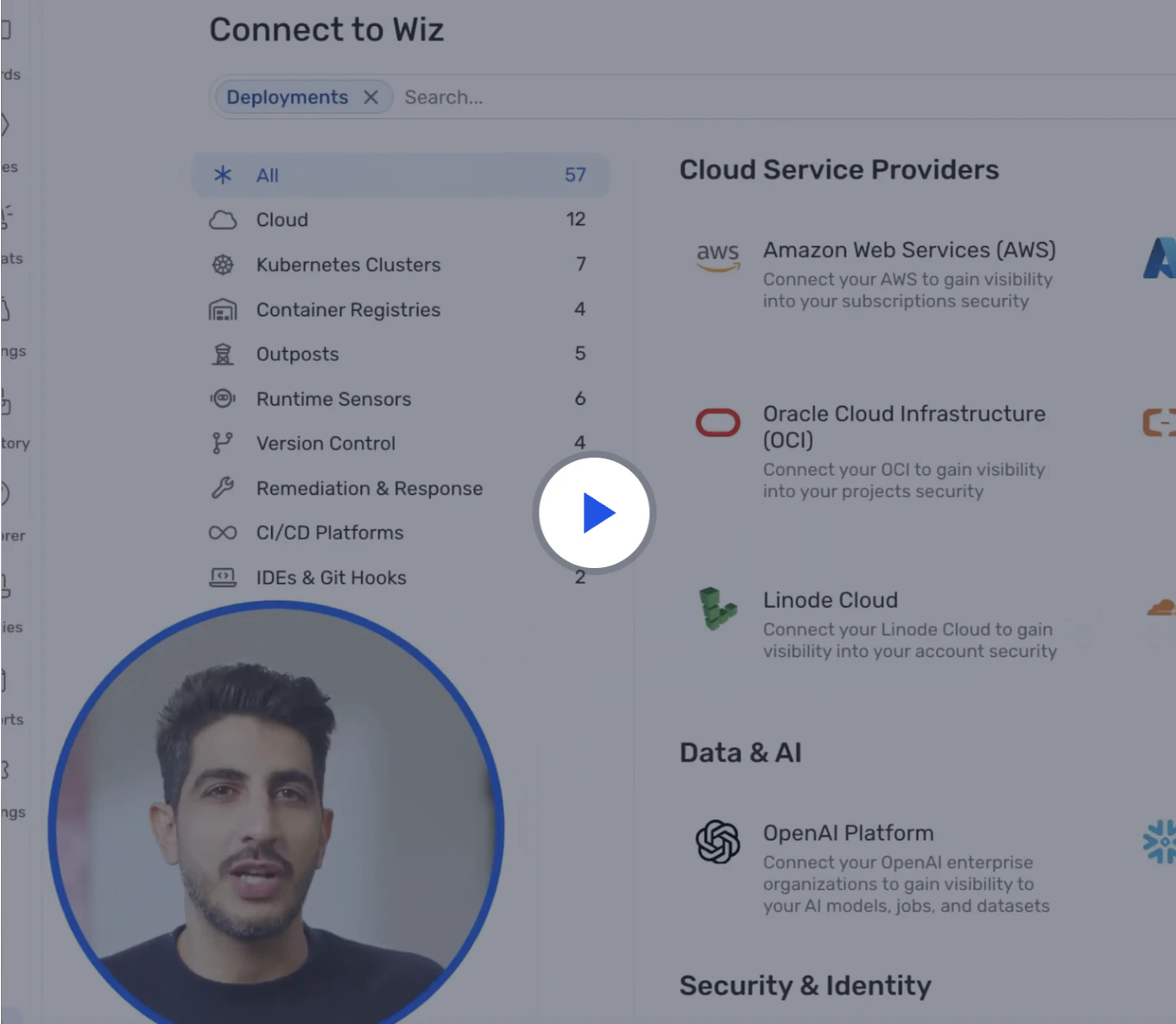
Watch 5-minute demo
Watch the demo to learn how Wiz Code scans infrastructure as code, container images, and CI/CD pipelines to catch risks early—before they reach the cloud.
Watch now
How DevSecOps tools map to the development lifecycle
DevSecOps works when each tool has a clear job in your delivery flow, not just the testing phase. The easiest way to reduce noise is to map every tool to a phase and a decision point. The table below shows how different tool categories align with each stage of the SDLC.
| SDLC phase | Security activity | Tool category | Example tools |
|---|---|---|---|
| Plan | Security requirements and guardrails | IaC scanning (policy as code) | Terrascan, Checkov |
| Code and build | Vulnerable libraries and risky patterns | SAST, dependency scanning | Dependency-Check, Vuls |
| Test | Issues that only show up when the app runs | DAST | OWASP ZAP (example), Burp Suite (example) |
| Package and deploy | Image flaws, misconfigurations, drift from baseline | Container scanning, IaC scanning | Trivy, Grype, Clair |
| Run | Suspicious behavior and policy violations | Runtime security | Falco, Tetragon |
Once you have multiple scanners, the hard part becomes connecting findings to the deployed workload and owning the repo. Cloud security posture management tools help correlate these signals across environments.
You also need to identify which users can access sensitive data. Teams often use Wiz to connect code, build artifacts, cloud resources, and AI services into one view.
Top Open-Source DevSecOps tools by category
Open-source tools can cover every phase of your DevSecOps pipeline without licensing costs. The tools below are organized by security function. Use them to identify which categories your current toolchain is missing.
Each category maps to a specific SDLC phase:
SAST analyzes source code for flaws
IaC scanning catches misconfigurations before infrastructure deploys
Dependency scanning identifies vulnerable libraries during build
DAST tests running applications
Container scanning secures images before deployment
Runtime security monitors production workloads.
Below is a breakdown of the most widely adopted open-source tools—or commercial alternatives where relevant—organized by the security function they address:
Static application security testing (SAST) tools
SAST scans source code for insecure patterns without running the application, catching issues like injection bugs, unsafe deserialization, and insecure cryptography before deployment. The following tools help teams embed static analysis into pull requests and main-branch builds:
1. Semgrep
Semgrep runs fast, customizable static analysis across a wide range of languages. It ships with a large ruleset for common vulnerability patterns and lets teams write their own rules in YAML to enforce internal coding standards. Because it runs on diffs rather than full codebases, it stays fast enough to use on every pull request without slowing builds.
Semgrep's core capabilities include:
Pattern-based scanning across 30+ languages with low false-positive rates
Customizable rules in YAML that teams can write and share without deep security expertise
Native CI/CD integration with GitHub Actions, GitLab CI, and Jenkins
2. SonarQube
SonarQube combines static analysis with code quality tracking, giving teams a single view of security issues, bugs, and technical debt over time. It supports over 30 languages and provides a developer-facing dashboard that shows trends across branches and releases.
SonarQube's core capabilities include:
Security and code quality analysis across 30+ languages in a unified dashboard
Quality gate enforcement that can block deployments when thresholds aren't met
IDE plugins that surface issues locally before code is pushed
IaC scanning tools
Infrastructure as code (IaC scanning) helps you detect security vulnerabilities, misconfigurations, and compliance issues early in the development process. Here are two top tools:
1. Terrascan
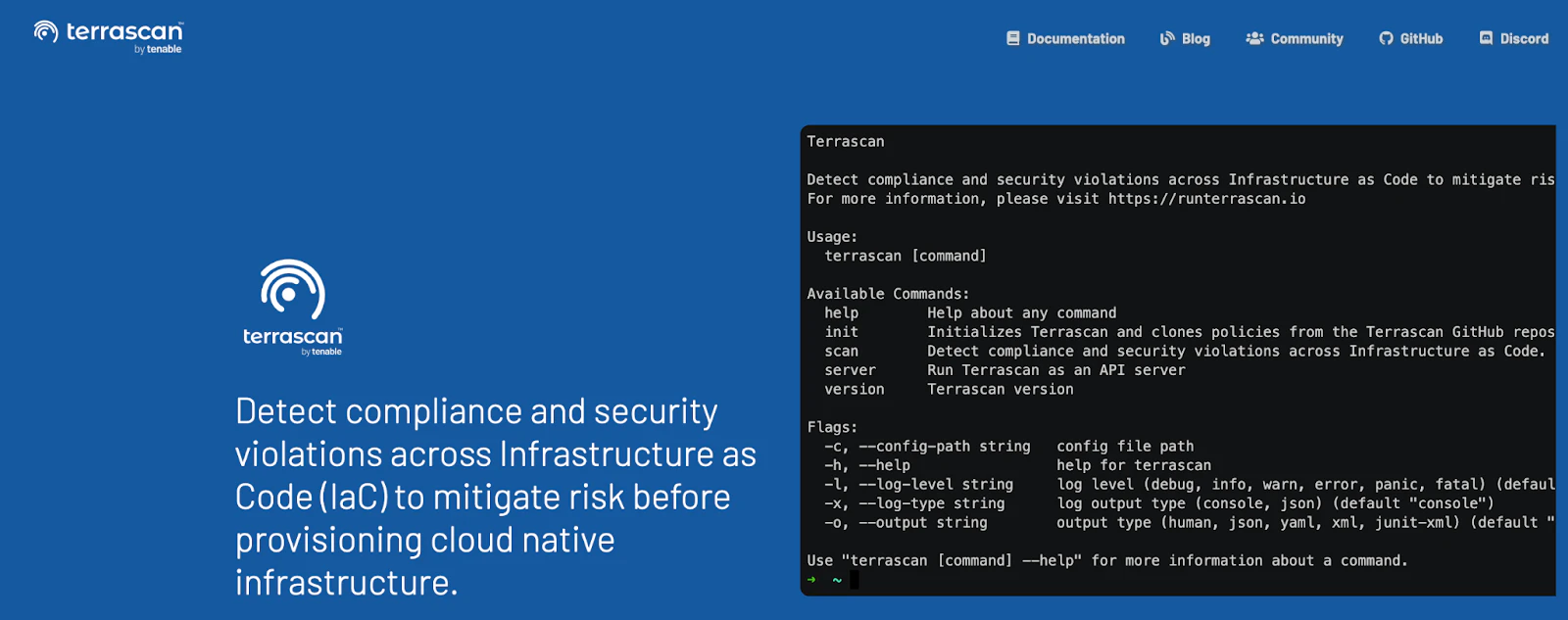
Terrascan's primary function is policy-as-code enforcement for Terraform configurations. The tool ships with over 500 policies aligned to CIS benchmarks. It scans templates for misconfigurations like overly permissive S3 buckets or unencrypted databases before infrastructure deploys.
Terrascan integrates directly into CI/CD pipelines via GitHub Actions, GitLab CI, or Jenkins. Its multi-cloud support covers AWS, Azure, and Google Cloud, so teams using multiple providers can apply consistent policy as code across all environments.
Terrascan's core capabilities include:
Multi-cloud scanning across AWS, Azure, and Google Cloud
Policy-as-code enforcement with customizable rules
Native CI/CD integration with GitHub Actions, GitLab CI, and Jenkins.
The tool's strongest coverage is for Terraform configurations, with limited support for Kubernetes and other IaC formats.
2. Checkov
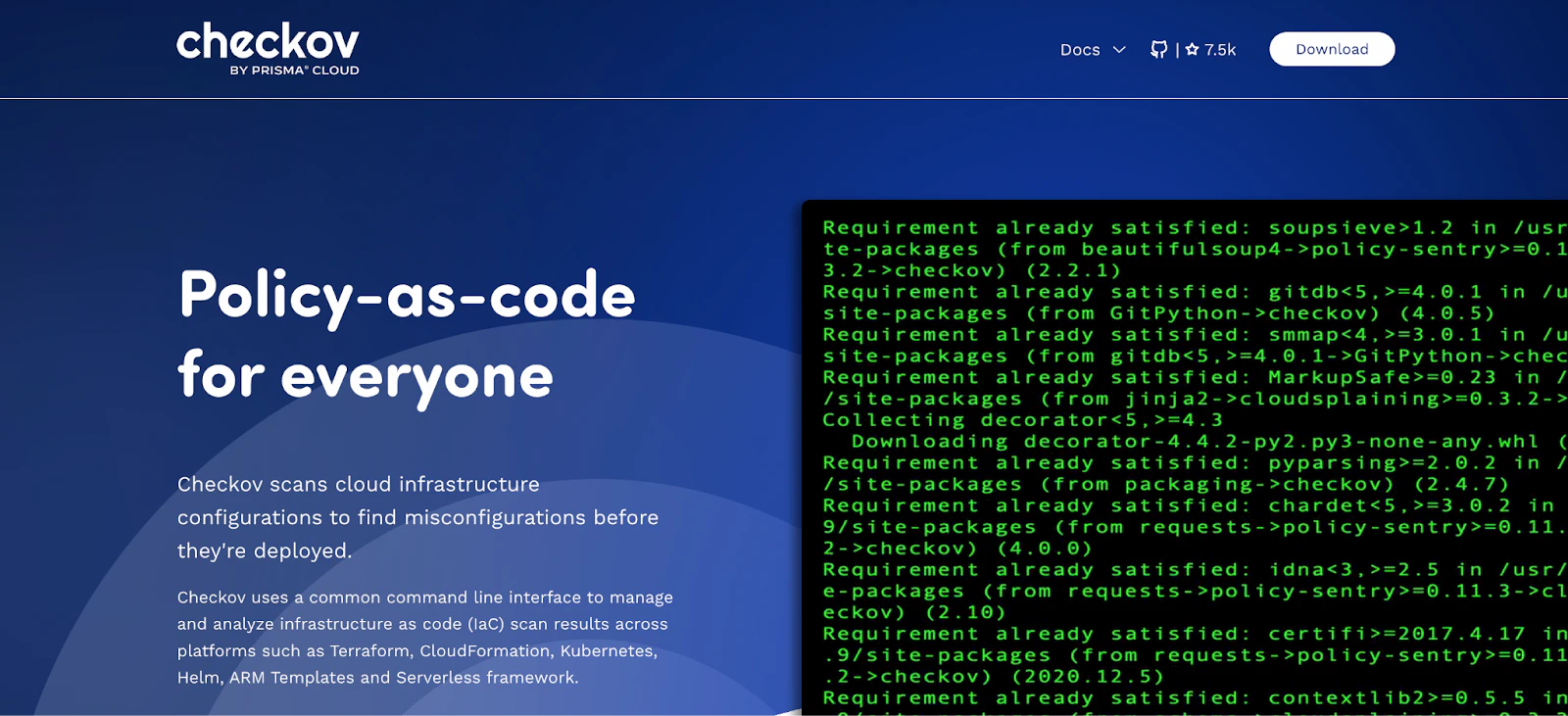
Checkov’s graph-based scanning engine allows it to resolve complex dependencies within Terraform configurations that simpler scanners miss. The tool analyzes Terraform, CloudFormation, Kubernetes manifests, Helm charts, and Dockerfiles for misconfigurations.
Checkov also performs software composition analysis, detecting vulnerabilities in open-source packages and container images during the same scan. This combined IaC and SCA capability reduces tool sprawl in the pipeline.
Checkov's core capabilities include:
Broad IaC support across multiple formats
Integration with GitHub Actions, GitLab CI, CircleCI, and Jenkins
Software composition analysis for open-source dependencies and container images
While Checkov focuses on scanning code before deployment, it doesn’t provide real-time monitoring for live environments and offers less comprehensive coverage for non-Terraform formats.
The Secure Coding Best Practices [Cheat Sheet]
With curated insights and easy-to-follow code snippets, this 11-page cheat sheet simplifies complex security concepts, empowering every developer to build secure, reliable applications.
Download cheat sheet
Dependency scanning tools
Using third-party libraries and frameworks can introduce security risks if vulnerabilities go unnoticed. Dependency scanning helps teams identify and mitigate these risks before they impact applications. Here are two reliable tools for securing dependencies:
1. Dependency-Check
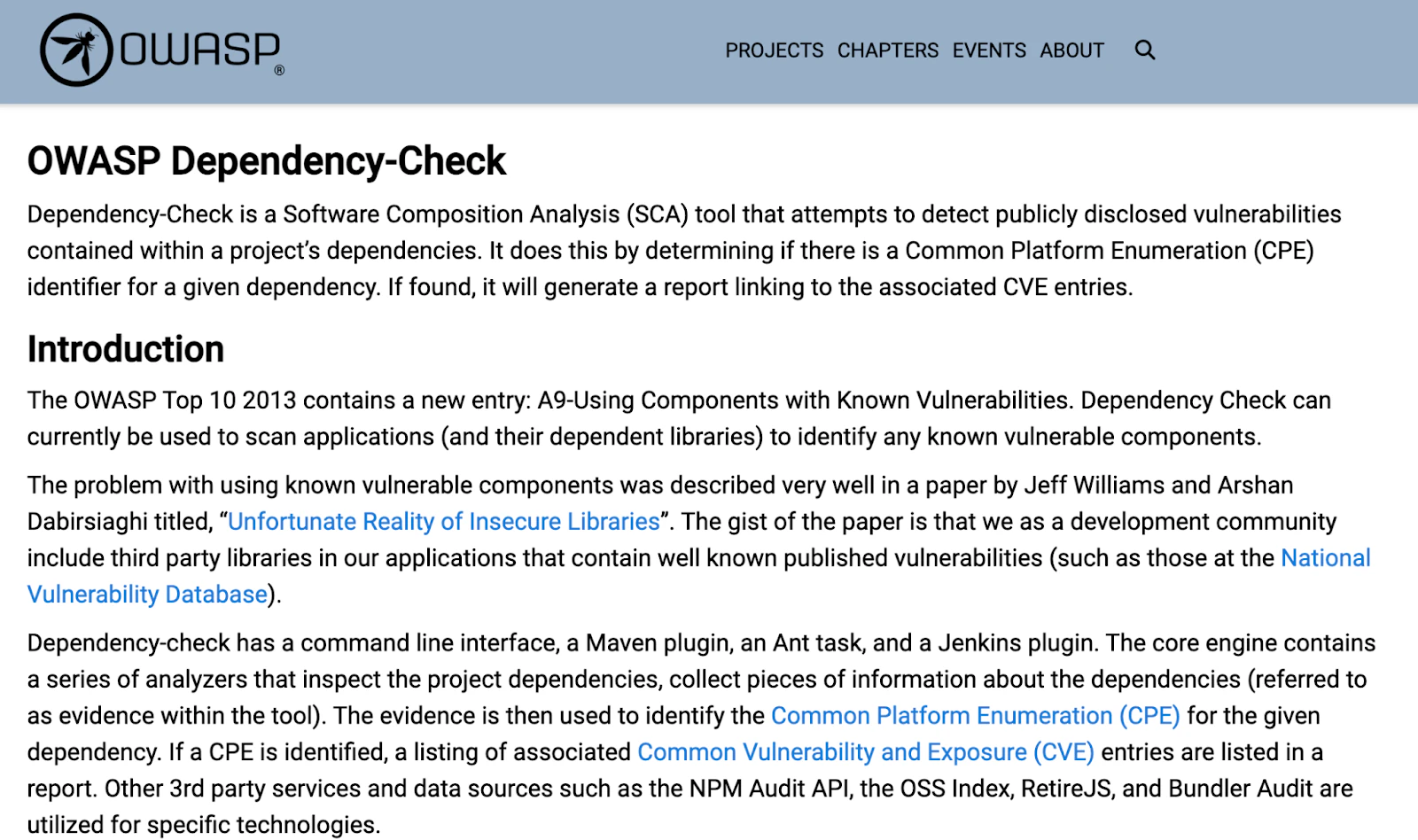
Dependency-Check scans project dependencies to uncover known vulnerabilities. By leveraging Common Platform Enumeration (CPE) identifiers, it matches detected risks to Common Vulnerabilities and Exposures (CVE) entries, ensuring teams stay informed about potential threats.
Dependency-Check's core capabilities include:
Vulnerability scanning by referencing CVE entries
CI/CD integration with Maven, Gradle, and Jenkins
Software composition analysis with detailed reports on identified risks, including severity levels and remediation steps
The tool should be used with caution–it can sometimes flag a dependency as vulnerable when it’s not, and doesn’t offer runtime security scanning.
2. Vuls
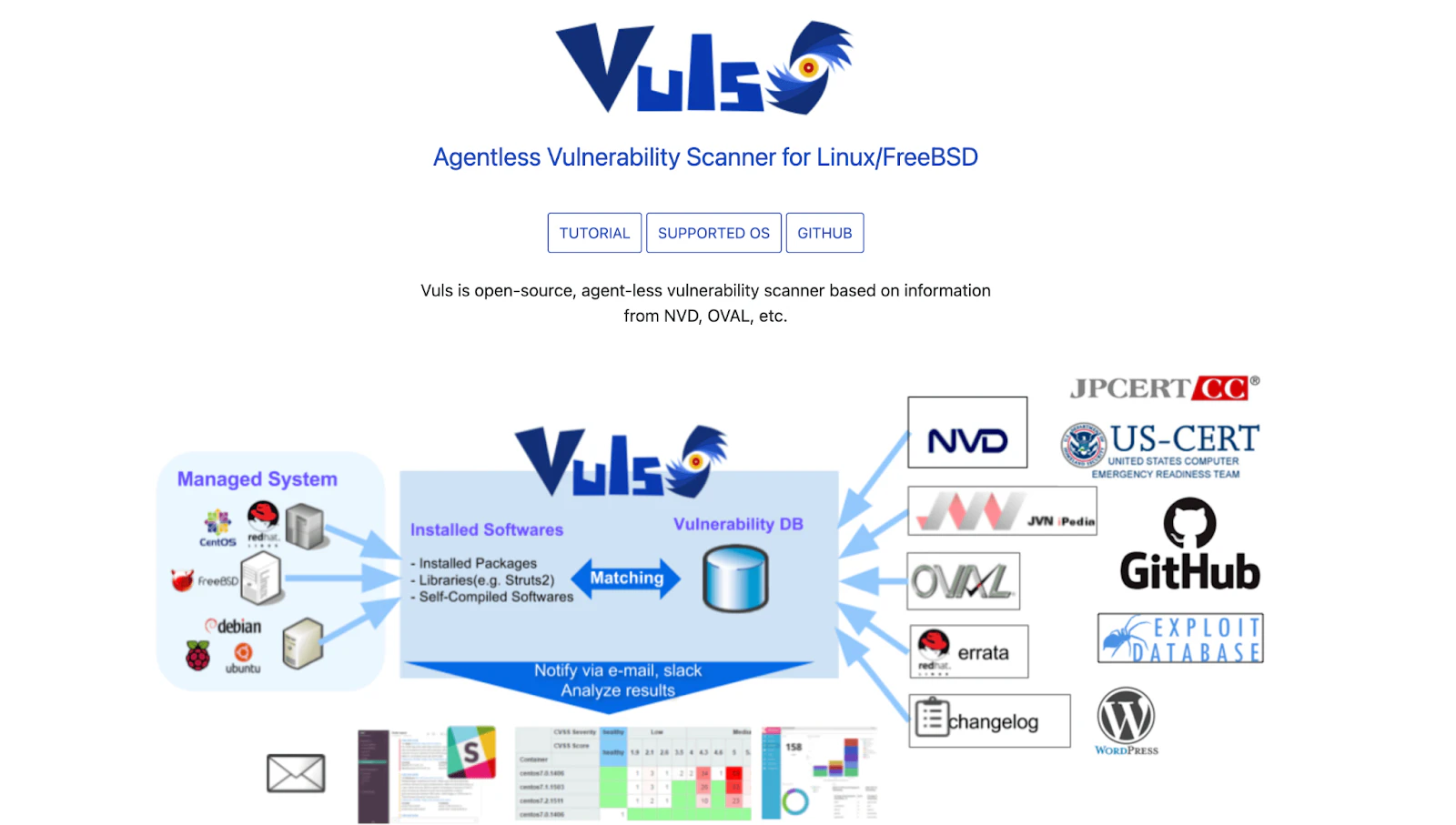
For Linux systems and container images, Vuls automates vulnerability detection using sources like the National Vulnerability Database (NVD). It performs regular scans, assigns severity levels to detected risks, and provides remediation steps. This automation reduces manual effort and keeps systems consistently monitored for security threats.
Vuls' core capabilities include:
Automated, agentless scanning for Linux systems and container images
Severity-based risk assessment with multi-OS support
Actionable remediation guidance that simplifies the patching process
To get comprehensive vulnerability data, Vuls requires root access to the systems being scanned, which can be a security risk in certain environments.
Dynamic application security testing (DAST) tools
DAST tests a running application from the outside, usually in staging, catching runtime issues that SAST misses—like broken auth flows, misconfigured headers, and input handling that only appears when the app is wired to real routes and middleware. The following tools help you scope scans to the endpoints you own and authenticate like a real user:
1. OWASP ZAP
OWASP ZAP is one of the most widely adopted open-source DAST tools and a practical starting point for most teams. It supports both automated scanning and manual exploratory testing, and its daemon mode makes it straightforward to wire into CI/CD pipelines as a post-deployment check in staging.
OWASP ZAP's core capabilities include:
Automated and manual scanning modes for flexible use across pipeline and exploratory testing
Authenticated scanning that tests protected routes the way a real user would
Active community maintenance with regular rule updates aligned to OWASP Top 10
While it’s a powerful free tool, OWASP ZAP relies largely on manual configuration and can provide high rates of false positives, making it harder to scale and integrate into modern corporate environments.
2. Nuclei
Nuclei runs template-based scanning against live applications, APIs, and infrastructure. Its template library—maintained by the community and updated frequently—covers CVEs, misconfigurations, exposed panels, and default credentials. Because templates are written in YAML, teams can quickly add checks for internal services or newly disclosed vulnerabilities.
Nuclei's core capabilities include:
Template-based scanning with a large, actively maintained community library
Broad target support across HTTP, DNS, TCP, and file-based targets
Fast, low-noise output that makes it practical to run regularly without alert fatigue
Because Nuclei is template-driven, it can’t find custom application-specific logic flaws or undiscovered vulnerabilities, and is better for identifying known CVEs, misconfigurations, and exposed panels.
¿Qué son las pruebas dinámicas de seguridad de aplicaciones (DAST)?
DAST, o pruebas dinámicas de seguridad de aplicaciones, es un enfoque de prueba que implica probar una aplicación para detectar diferentes vulnerabilidades en tiempo de ejecución que surgen solo cuando la aplicación es completamente funcional.
Leer más

Container scanning and vulnerability management tools
Securing containerized applications requires proactive container scanning to detect vulnerabilities before deployment. These three tools help maintain the integrity of container images by identifying security risks early and ensuring compliance with best practices.
1. Grype

Grype scans container images and filesystems for vulnerabilities, helping teams identify security risks before deployment. It integrates seamlessly with Syft to enhance software composition analysis and supports multiple image formats, including Docker, OCI, and Singularity. This broad compatibility ensures security checks across different container environments without disrupting workflows.
Grype's core capabilities include:
Comprehensive image scanning across multiple formats (Docker, OCI, Singularity)
Seamless integration with Syft for enhanced software composition analysis
Regular vulnerability database updates that detect the latest known risks
Because it’s specifically designed for container environments, Grype may be unsuitable for non-containerized systems—and some container image sizes may be resource-intensive, affecting build times.
2. Clair
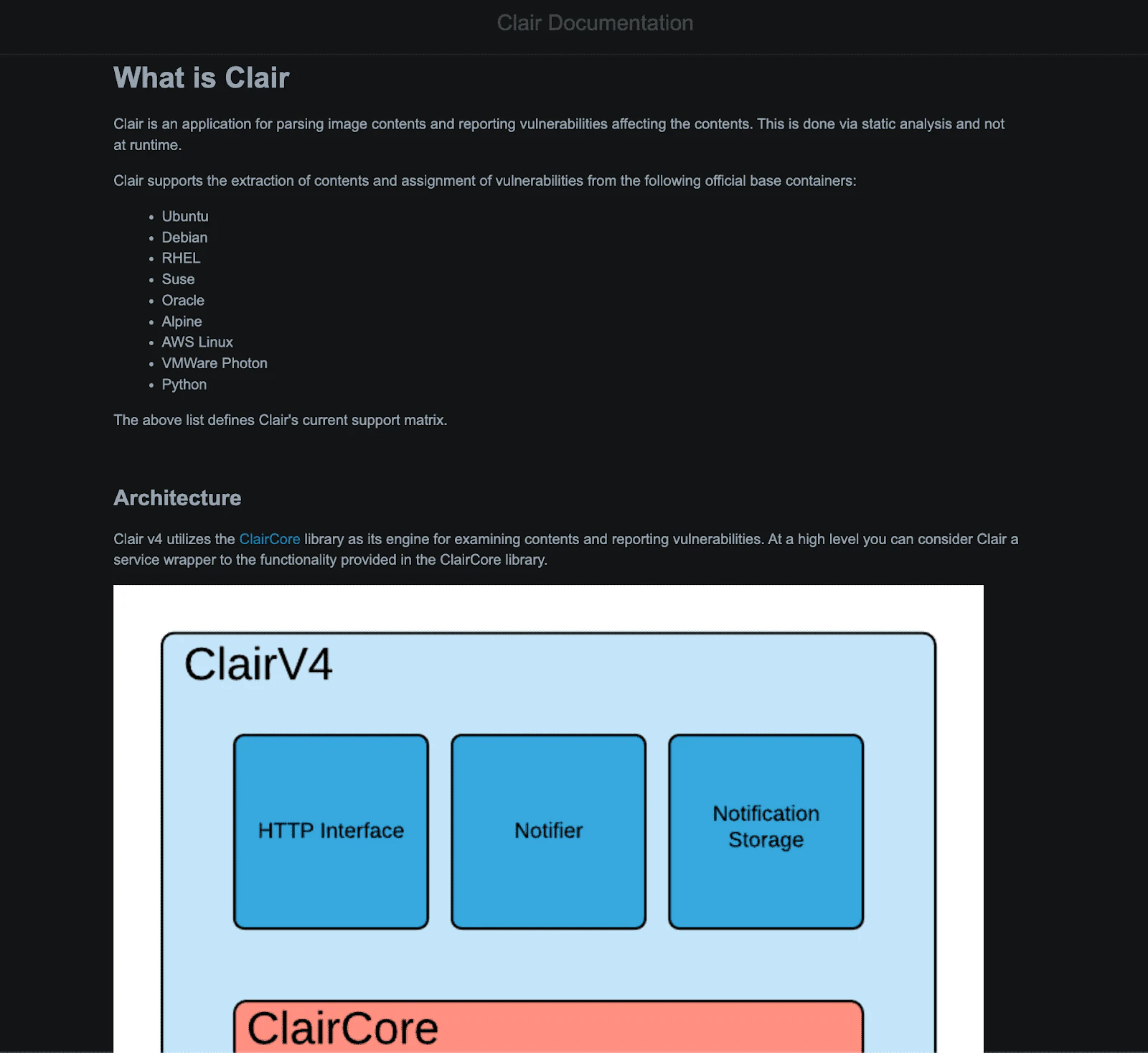
Clair provides static analysis for container images, detecting vulnerabilities by parsing image contents and flagging security risks. It helps organizations secure containerized applications at scale by continuously monitoring known vulnerabilities and integrating with container registries for automated scanning.
Clair's core capabilities include:
Quay integration with container registries for automated and continuous scanning
Scalable updater architecture that consistently monitors known vulnerabilities across multiple images
It’s worth noting that Clair may require additional configuration and setup, which can be complex for teams new to security tools.
3. Trivy
Trivy extends security beyond container images, scanning Git repositories, virtual machines, Kubernetes clusters, and local filesystems. It detects vulnerabilities in OS packages, IaC configurations, and sensitive data leaks with Aqua Security backing.
Trivy's core capabilities include:
Comprehensive scanning across container images, Git repositories, virtual machines, Kubernetes clusters, and local filesystems
Multi-layer vulnerability detection in OS packages, IaC configurations, and sensitive data leaks
Consolidated scanning functions that reduce the need for multiple specialized tools
Trivy is limited to vulnerability detection, which means it doesn’t provide built-in remediation or automatic fixes—and can also experience performance degradation when scanning large Git repositories or container images.
Software supply chain security tools
A secure software supply chain prevents tampering, ensures compliance, and strengthens trust in the software development process. These tools safeguard container images and their dependencies:
1. Cosign
Cosign simplifies the digital signing and verification of container images, preventing unauthorized modifications and supply chain attacks. Supporting OCI and Docker image formats, it provides cryptographic key management and automated key rotation.
Cosign's core capabilities include:
Digital signing and verification to ensure only authorized images are deployed
Automated key rotation for seamless key management
Support for both OCI and Docker image formats across different container environments
While effective for container images, Cosign is focused on container supply chains and doesn't extend to other aspects of software development or broader software supply chains.
2. Syft
Syft generates software bills of materials (SBOMs) for container images and filesystems. When paired with Grype, it helps teams detect vulnerabilities early. Supporting multiple SBOM formats, including CycloneDX and SPDX, Syft enables compliance tracking and enhances visibility into software components.
Syft's core capabilities include:
Generating detailed SBOMs for container images and filesystems
Support for multiple widely used formats like CycloneDX and SPDX
Integration with Grype to detect vulnerabilities by analyzing software components listed in the SBOM
While powerful for creating SBOMs, Syft doesn't address runtime security or other aspects of vulnerability detection outside of dependency tracking.
Kubernetes and container runtime security tools
Protecting Kubernetes and container runtimes requires real-time monitoring to detect and mitigate threats before they compromise workloads. These tools provide deep visibility into container environments:
1. Falco
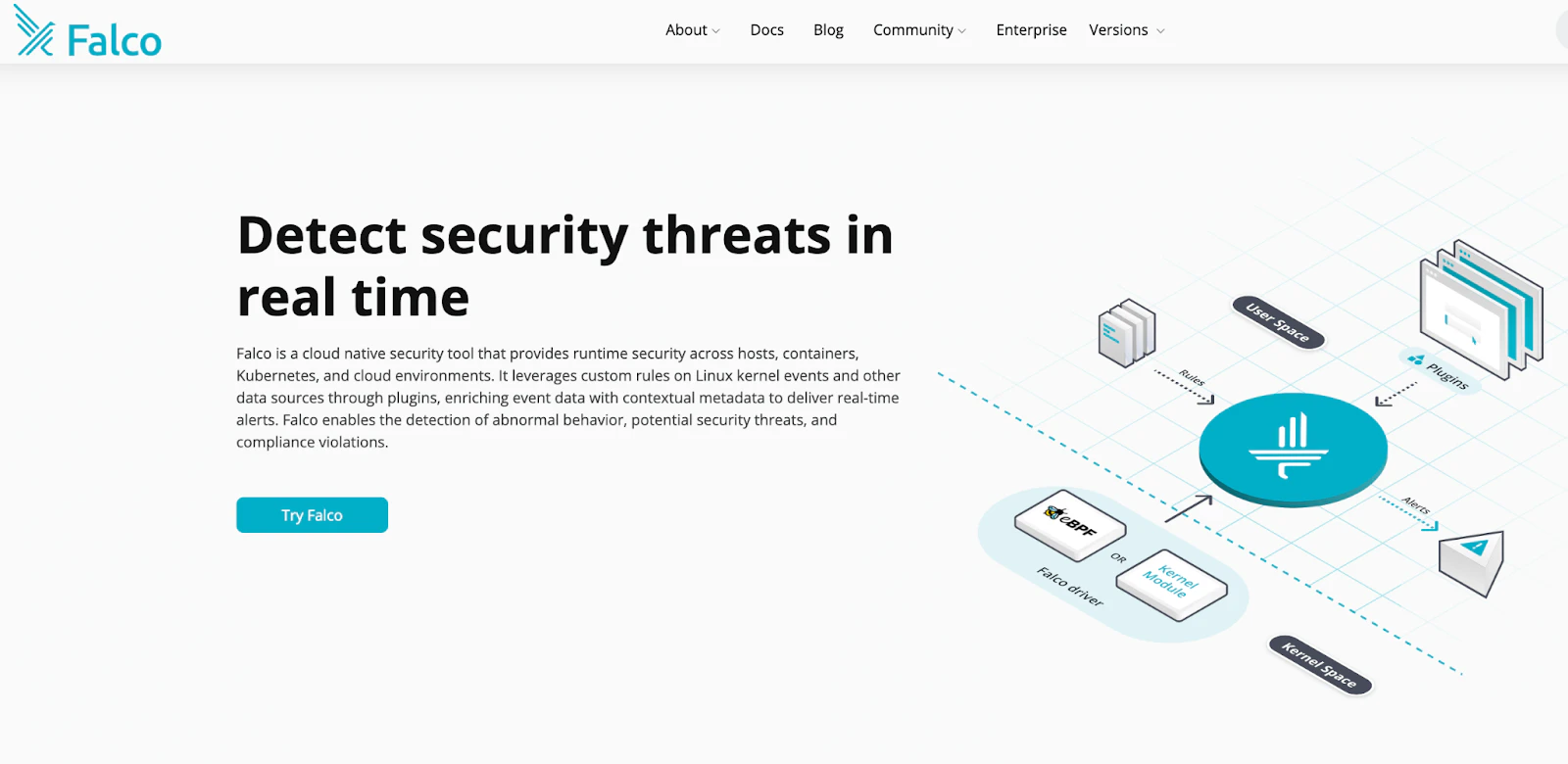
Falco monitors Linux-based container environments for suspicious behavior with CNCF graduated status and kernel-level syscall monitoring, making it a critical tool for runtime security. It leverages eBPF to analyze system calls, detect anomalies, and trigger alerts when unauthorized activities occur.
Falco's core capabilities include:
Real-time threat detection through continuous monitoring
eBPF-powered analysis of system calls to detect anomalies without compromising performance
Proactive alerts when unauthorized activities occur
Currently, Falco only supports Linux-based environments, limiting its use in mixed or non-Linux setups.
2. Tetragon
Cilium built Tetragon to enhance security observability by monitoring process execution, system calls, and I/O operations. It enforces runtime security policies at the kernel level and integrates seamlessly with Kubernetes environments.
Tetragon's core capabilities include:
Runtime security enforcement at the kernel level
eBPF-powered monitoring of process execution, system calls, and I/O operations in real time
Seamless integration with Kubernetes for modern cloud-native applications
Due to its reliance on eBPF, Tetragon requires deeper knowledge of the kernel and may be challenging to configure in complex environments.
Solving DevSecOps challenges with the right tools
Teams often struggle with tool compatibility, scalability, and measuring success. Failing to address these challenges makes DevSecOps efforts inefficient, creating bottlenecks and security gaps.
Choose the right DevSecOps tools
With so many security tools available, picking the right ones can be overwhelming. Use this framework to evaluate which solutions fit your organization's needs:
| Evaluation Criteria | Why it matters | What to look for |
|---|---|---|
| Tech stack compatibility | Prevents integration friction and missed coverage. | Support for your specific languages, Terraform versions, base images, and Helm charts. |
| Automation level | Ensures security keeps pace with development velocity. | Direct CI/CD integration; tools should run automatically without manual steps. |
| Community & support | Determines the tool's longevity and threat responsiveness. | Active maintenance, frequent updates, and strong community backing. |
| Shift-left readiness | Catches risks before they reach production. | IDE integration, real-time feedback, and early-stage IaC scanning. |
| Cost vs. benefit | Balances budget with organizational requirements. | Whether enterprise features (e.g., compliance reporting, SIEM integration) justify the cost over free versions. |


Measure success in DevSecOps
Security without measurable outcomes is just guesswork. Tracking the right DevSecOps metrics keeps teams focused on real risk reduction. To ensure that your DevSecOps implementation is effective, track the following:
Time to detect and remediate vulnerabilities: Track how quickly your team resolves critical issues. Set benchmarks and improve against them.
False positive rates: Too many false positives slow down development and create alert fatigue. Fine-tune your tools regularly to reduce unnecessary alerts.
Security coverage: Scan all critical components: infrastructure, dependencies, and container runtimes. Gaps in coverage create exploitable risks.
Compliance adherence: Track how well your DevSecOps tools help maintain standards like NIST, ISO 27001, or SOC 2.
Incident response efficiency: Track how quickly your team detects threats and follows playbooks. A practiced response plan improves resilience.
How Wiz unifies DevSecOps across the toolchain
When your DevSecOps toolchain spans multiple open-source tools across IaC scanning, container security, and runtime monitoring, correlating findings becomes the bottleneck. A vulnerability in a container image matters more when that container runs with elevated privileges and has network access to sensitive data. Individual tools can't surface that context.
Wiz solves this by connecting code, build artifacts, cloud resources, and AI workloads into a unified security graph. It correlates vulnerabilities, misconfigurations, identity permissions, and data exposure across your entire environment—including AI services and models—so you understand real risk, not just scanner output.
From code to cloud to AI
Wiz integrates directly into CI/CD pipelines to scan IaC templates, container images, and VM images before deployment. Developers see findings in their workflow with prioritized, actionable remediation guidance. At runtime, Wiz continuously monitors cloud environments and AI workloads for threats, policy violations, and unusual activity.
Schedule a demo to see how Wiz unified visibility can transform security operations in your environment.\
Secure your cloud from code to production
Learn why CISOs at the fastest growing companies trust Wiz to accelerate secure cloud development.
