

What is IaC security?
IaC security embeds security controls directly into infrastructure as code (IaC) templates and the pipelines teams use to provision and configure cloud infrastructure. By prioritizing early detection, IaC security catches vulnerabilities and misconfigurations before teams deploy resources. This proactive strategy mitigates risks from the outset and aligns infrastructure management with cloud security best practices. As engineers scale environments, this early-stage visibility becomes critical to understanding how configuration decisions translate into real-world risk.
Get the IaC Best Practices [Cheat Sheet]
Stop repeat misconfigurations before they hit production. Download our IaC Best Practices Cheat Sheet to learn how to integrate scanning early, fix at the source, and enforce policies consistently.

The shift to code-defined infrastructure
While traditional deployment requires manual configuration of servers or network components, the shift to IaC defines the desired cloud state through standardized templates.
This automation enables developers to version, track, and reproduce any given infrastructure deployment at any time. While IaC ensures consistent, repeatable deployments and reduces human error in managing cloud resources, it’s a double-edged sword. The same speed that enables rapid scaling also allows a single bad template to instantly replicate vulnerabilities across hundreds of assets. Since IaC turned infrastructure into software, configuration errors have become scalable vulnerabilities.
Bridging the gap with cloud context
To bridge the gap between code-level decisions and live environment threats, teams need visibility into how infrastructure definitions translate into runtime behavior, network exposure, identity relationships, and data access. Effective IaC security achieves this by connecting code-level decisions to live cloud context, helping teams prioritize misconfigurations based on actual exposure and impact.
Operations teams use IaC scripts to standardize virtual machine (VM) configurations, ensuring consistent system images, storage capacity, and network settings. Extending these configurations to network security groups and firewall rules enables teams to enforce access controls across the entire cloud environment.
By applying these centralized controls, organizations can secure their modern cloud workflows through the following strategies:
Shifting security into the IaC layer
Embedding security controls directly into infrastructure definitions enables teams to address risk as they define resources. This shift ensures that security becomes an integral part of infrastructure and no longer an afterthought. When engineers treat security as an integral part of the infrastructure, they naturally extend protection across the development pipeline, from the first line of code through deployment.
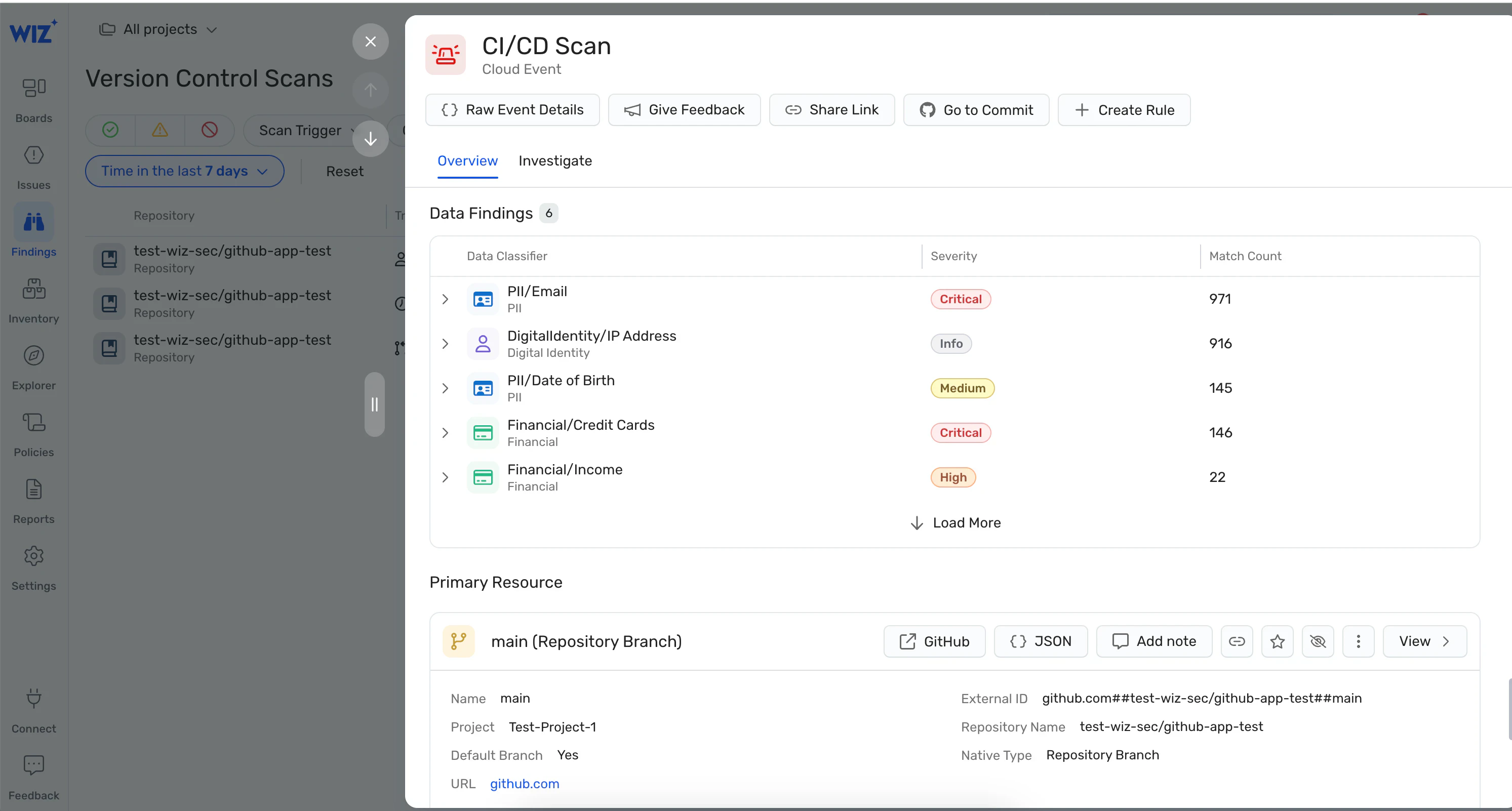
Integrating security as code principles allows teams to:
Catch vulnerabilities through security checks in CI/CD pipelines well before they reach production.
Maintain consistency and scalability across environments as infrastructure grows.
Apply protections automatically for critical business infrastructure.
IaC security vs. traditional cloud configuration scanning
Traditional cloud configuration scanning primarily focuses on identifying misconfigurations and vulnerabilities in deployed infrastructure or existing IaC templates. These tools scan environments for risks in running services, databases, and virtual machines. While scanning provides post-deployment visibility, it’s reactive and doesn’t prevent developers from introducing insecure configurations during provisioning.
In contrast, IaC security focuses on securing IaC templates and pipelines that define and provision resources before deployment. Proactive IaC security provides several advantages:
Embeds security controls in IaC scripts (such as Terraform, CloudFormation, or Ansible definitions), which guarantees teams configure infrastructure with the correct security settings from the start.
Detects potential vulnerabilities during the planning phase.
Avoids discovering critical issues in a running system.
How does IaC change how we build cloud infrastructure?
Beyond security, IaC redefines the operational relationship between developers and their cloud environments. IaC transforms how teams build cloud infrastructure by automating configuration and deployment. Traditionally, infrastructure setup required manual configuration, a time-consuming, error-prone, and unwieldy process. With IaC, engineers define infrastructure in declarative templates, simplifying management of dynamically changing cloud assets while ensuring consistency and scalability.
Engineers can reuse and replicate infrastructure across environments to ensure development, testing, and production remain consistent and align with software development lifecycle (SDLC) expectations. Transitioning to automation also promotes collaboration between development and operations teams, which solidifies shift-left security strategies.
AI development tools have further accelerated this shift. Engineers increasingly rely on generative AI to scaffold infrastructure, which boosts productivity and deployment velocity. But this acceleration introduces new risks. Faster release cycles and vibe coding workflows can lead teams to ship infrastructure changes without fully understanding their security implications.
Common IaC tools and ecosystems
Many IaC tools power a robust ecosystem for IaC automation and management. These platforms manage the entire IaC lifecycle, from infrastructure automation to configuration management and runtime playbooks. Each tool offers unique features for specific use cases, such as multi-cloud support or integration with existing CI/CD workflows. Popular IaC tools include:
Terraform: As a leading IaC tool for defining and provisioning infrastructure across multiple cloud providers, it offers declarative cloud management, an extensive library of supported providers, and the option to create custom modules.
CloudFormation: This AWS-native service lets teams define cloud resources using JSON or YAML templates. It best serves teams operating primarily on AWS.
Ansible: Teams use this automation tool for IaC configuration management and deployment.
Chef and Puppet: These tools automate infrastructure configuration while prioritizing system state and enforcing configuration consistency.
With no shortage of useful IaC tools, teams must choose the right solution for their specific use case.
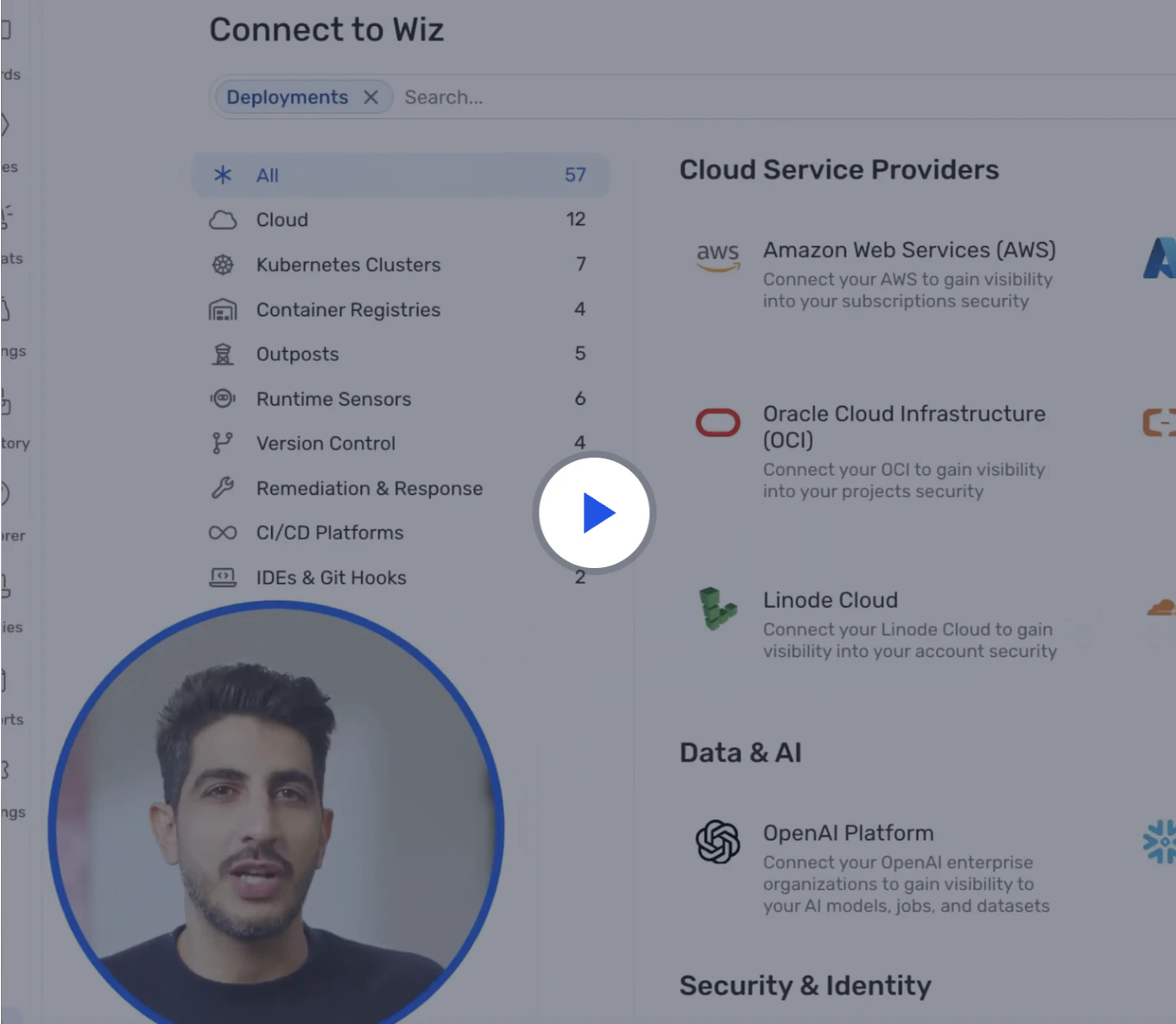
Watch 5-minute demo
Watch the demo to learn how Wiz Code scans infrastructure as code, container images, and CI/CD pipelines to catch risks early—before they reach the cloud.
Watch now
How to evaluate IaC security tools and platforms
Selecting the right IaC security tool can be challenging, especially for large enterprises that use multiple cloud services, vendors, and technology stacks. When evaluating IaC tools, teams should prioritize the following criteria for the best results:
Multi-IaC support: Tools that support multiple IaC frameworks, such as Terraform, CloudFormation, and Ansible, provide flexibility when managing infrastructure across platforms and teams.
Multi-cloud coverage: IaC tools that support multi-cloud deployments ensure infrastructure consistency across cloud providers, such as AWS, Azure, and GCP. Unified support is especially critical because each cloud handles IAM, networking, and permissions differently. Managing security through a unified platform simplifies this complexity, eliminates blind spots, and helps teams maintain visibility and control across their entire infrastructure.
Policy as code: Platform integration with policy as code engines like OPA allows engineers to define security policies directly within IaC templates, automating compliance across environments.
Drift detection: Effective drift detection is critical as even small, undocumented changes in live infrastructure can introduce security gaps and operational risks. IaC security tools that identify discrepancies between deployed resources and the desired state enable teams to remediate issues quickly.
Developer experience: Seamless integration with CI/CD pipelines is key to minimizing friction. Prioritizing tools that offer a tight-knit developer experience ensures security doesn’t disrupt workflows.
By linking IaC misconfigurations to live cloud environments, teams can identify which vulnerabilities pose the greatest risk and address them efficiently. Wiz provides integrated visibility by linking infrastructure definitions to runtime context, helping your team prioritize fixes based on actual impact. The platform offers advanced risk-detection features, including automated checks, drift detection, and policy enforcement, to protect cloud resources across teams and services.
Why is IaC security critical?
Risky IaC configurations trigger significant security risks, including data breaches, privilege escalations, and lateral movement across cloud systems and services. For instance, a misconfigured IAM role or an open S3 bucket grants unauthorized users direct access to your business data, leading to costly data breaches and compliance violations. Similarly, insecure security groups allow attackers to move laterally across your cloud environment, facilitating privilege escalation and compromising critical resources.

Wiz mitigates these risks by detecting and prioritizing misconfigurations in both IaC templates and deployed cloud assets. This unified strategy catches vulnerabilities before they reach production, reducing the risk of data leaks or unauthorized access.
How do misconfigurations in IaC reach production?
IaC misconfigurations typically enter production when teams introduce security checks too late in the SDLC. Failing to validate infrastructure definitions at the start allows issues such as overly permissive access controls and exposed network ports to slip through unnoticed. Once developers merge and deploy insecure code, those misconfigurations become part of the live environment, allowing attackers to exploit weaknesses.
The risk of misconfiguration increases with AI-assisted code, as AI tools generate infrastructure code quickly without considering security implications. Without automated guardrails, insecure defaults and overly permissive configurations can propagate at scale.
Wiz detects these misconfigurations before teams deploy resources. Integrating security checks early in the lifecycle embeds cloud security tightly into the development pipeline and lowers the risk of vulnerabilities reaching production.
Real‑world consequences of insecure IaC
Insecure IaC templates often trigger significant breaches and operational risks. Real‑world incidents illustrate these dangers, such as a single misconfigured S3 bucket exposing millions of records to the public. This event demonstrates how even minor errors impact security at scale. Similarly, open firewall or network settings defined in IaC templates create broad attack surfaces, enabling attackers to exploit minor oversights that can escalate into major security incidents.
In June 2025, Wiz Research uncovered a cryptojacking campaign by the group JINX-0132 that exploited misconfigurations in several DevOps tools, such as Docker API and Nomad, to deploy malicious software. In the attack, hackers identified outdated and misconfigured instances that enabled remote code execution and compromised the systems, granting them full access.
Beyond data leaks, insecure IaC can enable privilege escalation and lateral movement across cloud environments, allowing attackers to migrate between compromised services while avoiding detection. Visibility gaps often sustain long-term vulnerabilities. For example, in July 2025, researchers identified severe misconfigurations across multiple Tencent Cloud sites that exposed environment files containing hardcoded login credentials and configuration data —such as internal admin access details. These misconfigurations permitted attackers to control backend systems and infiltrate deeper into the cloud environment.
What are the top IaC security risks and challenges?
While IaC provides automation, scalability, and reliability, it doesn’t guarantee autonomous security. Misconfigurations, configuration drift, inefficient resource management, and AI-driven shadow infrastructure continue to leave environments vulnerable.
Here are five common IaC security risks many organizations face:
1. Misconfigurations and configuration drift
A minor security vulnerability in IaC templates, such as a misconfigured security group, can open the door to a complete data breach. That's why testing all configuration changes in isolated environments before deployment is essential.
Configuration drift occurs when undocumented changes to IaC templates create security gaps. For example, if an admin modifies a security setting in a live environment without updating the corresponding IaC template, the operations team will struggle to track deviations and maintain a consistent security posture. Over time, undetected drift accumulates, exposing your infrastructure to attacks.
To address both misconfigurations and configuration drift, Wiz continuously scans IaC templates and deployed resources in real time to identify deviations and security gaps. Integrating Wiz into the pipeline detects issues before they reach production while providing actionable insights to enforce consistent security policies across the entire infrastructure.
2. Ghost resources
Ghost resources are orphaned or untagged cloud resources that accumulate over time. This shadow data inflates costs and expands the attack surface.
For example, if a test engineer fails to tag or delete unused storage resources after testing, these assets remain active, with no visibility or clear ownership. Without proper management, these ghost resources can become targets for cyberattacks that constantly probe for these vulnerabilities.
To combat this, Wiz automatically detects untagged or orphaned resources, providing complete visibility into every asset in the cloud environment. By highlighting these hidden resources and their associated risks, Wiz enables teams to take corrective action quickly to make sure shadow data doesn’t become a liability for infrastructure security.
3. Exposed secrets
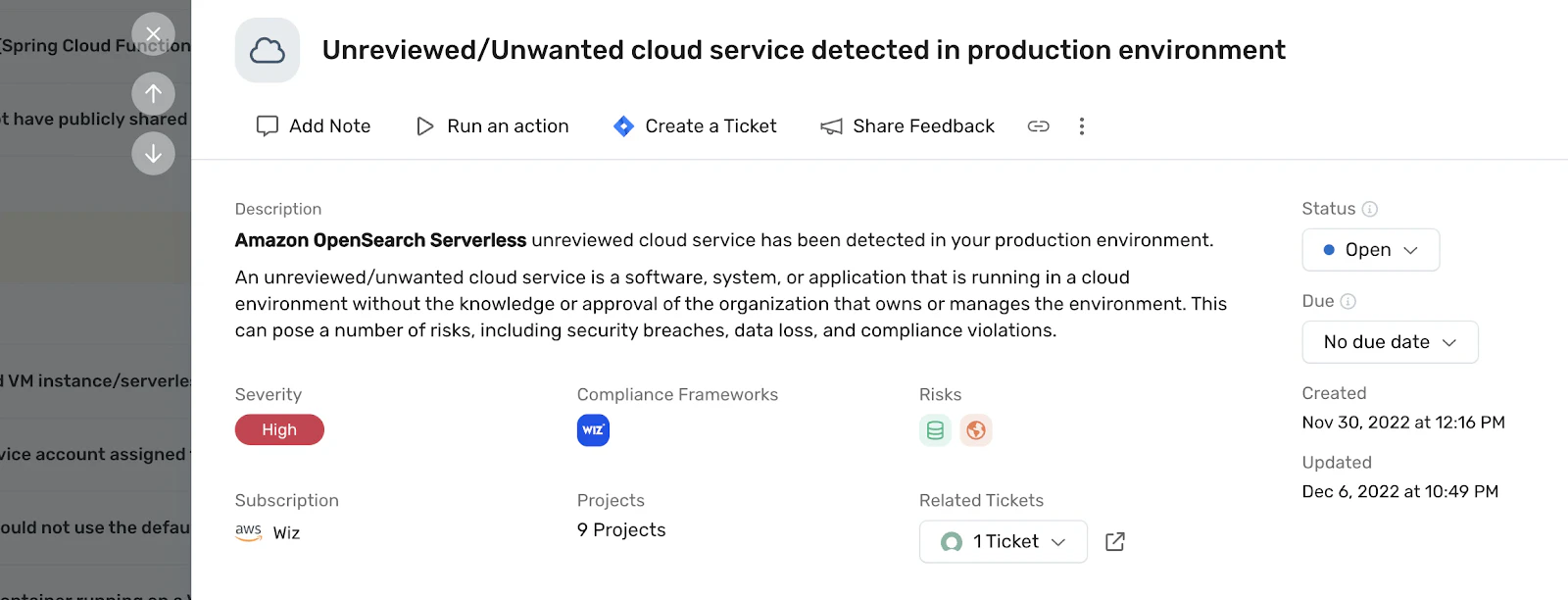
Exposing secrets such as API keys, passwords, or tokens in plain text in IaC scripts creates significant security risks, as threat actors can use them to gain entry and maintain covert persistence. For instance, if a DevOps team using Ansible inadvertently stores secrets in plain text in a configuration file, attackers who gain access to that data can escalate privileges or access other cloud services.
To mitigate these risks, cloud-native application protection platform (CNAPP) solutions like Wiz scan IaC templates for exposed secrets and other sensitive data before deployment. By detecting hidden credentials early, Wiz prevents privilege escalation and unauthorized access, protecting interconnected services before vulnerabilities reach production.
4. Excessive privileges
Excessive privileges—whether intentional or unintentional—grant users and services more permissions than they need, violating the principle of least privilege. Assigning users and services only the specific access they need for a given task remains a core cloud security best practice.
Over-privileged roles expand the attack surface. Consider a setup where one IaC configuration provisions resources for multiple teams. A frontend developer could accidentally delete a backend database, resulting in data loss, service outages, and significant compliance risks for the entire organization.
Teams must allocate dedicated infrastructure for staging, testing, and production throughout the SDLC to prevent unauthorized access. Applying least privilege at every stage strengthens security and fosters a privacy-first mindset. To reinforce these practices, CNAPP platforms like Wiz scan cloud environments and IaC templates for misconfigured roles. Early identification of excessive privileges allows developers to focus on building features while maintaining proper access controls.
5. Inconsistent policies across teams and repos
Inconsistent security policies across teams and code repositories hinder standardization and increase vulnerability exposure. When different teams configure firewall settings or access control rules differently across IaC templates, they create gaps in the overall security posture. Even when teams use the same cloud platform, these inconsistencies can create unintended exposure and leave your cloud resources open to attacks.
To address this, solutions like Wiz provide comprehensive visibility across multiple teams and repositories. Centralized monitoring allows engineers to align configurations across teams and standardize security policies in line with organizational goals.
How to know if you have an IaC security problem
Recognizing IaC security issues early is key to preventing costly incidents later. By spotting warning signs of common IaC vulnerabilities, your team can act quickly to remediate problems and reduce overall security risk.
Here are some IaC red flags teams should monitor for:
Repeated misconfigurations: If developers are regularly fixing the same issues, it may indicate that security checks aren't thorough enough or that engineers aren't consistently following best practices.
Manual fixes: When engineers frequently apply changes directly in the cloud console, it's a clear sign of configuration drift. These manual interventions often mean that IaC templates don't align with the live environment, leaving infrastructure vulnerable to unexpected changes.
Configuration drift: Deviations over time in large-scale deployments lead to inconsistencies and vulnerabilities. Persistent drift signals the need to reassess workflows to maintain alignment and security.
Lack of security policies: When IaC templates lack clearly defined security policies, code with critical security gaps can reach production. The absence of standardized policies increases the likelihood of vulnerabilities and exposes the organization to risk.
Inconsistent roles and permissions: Differences in roles and permissions across environments indicate a weak security posture. These discrepancies facilitate excessive privileges and create gaps that attackers might exploit.
The presence of these warning signs indicates that IaC security weaknesses are behind the misconfigurations, drift, and vulnerabilities. Wiz addresses these specific risks by continuously scanning IaC templates and deployed resources to provide real-time insights into security issues. By automatically identifying misconfigurations and deviations, Wiz enables teams to resolve problems before they reach production, keeping infrastructure secure, consistent, and compliant across providers and regions.
6 essential IaC security best practices
Effective IaC security combines actionable best practices with long-term security strategies to ensure cloud environments remain secure, scalable, and resilient. Here are six best practices to help strengthen your IaC security posture:
1. Establish IaC coding standards and peer reviews
Developing secure coding guidelines for IaC templates helps teams align their development practices with security standards from the start. Peer reviews are essential for catching the vulnerabilities or misconfigurations that automated tools miss. Regular review cycles foster team collaboration, promote shared knowledge, and enable early cross-checking of security findings.
To support these governance efforts, teams can use platforms like Wiz to continuously analyze IaC templates and correlate changes with actual cloud impact. This visibility helps reviewers assess security issues before they reach production.
2. Scan IaC early in the pipeline
Integrating automated IaC scanning tools early in the CI/CD pipeline enables developers to address security issues before deployment. Catching vulnerabilities early in the SDLC reinforces cloud security while also saving time and development resources by preventing expensive fixes later on.
Wiz builds on this approach by scanning IaC templates directly within the build pipeline, enabling teams to link detected misconfigurations and vulnerabilities to actual cloud risks. Early visibility allows engineers to prioritize fixes for the security risks that pose the greatest threat.
3. Enforce policy as code
Policy as code embeds compliance checks directly into software, allowing DevOps teams to automate validation to ensure consistent security across cloud environments. Tools such as the Open Policy Agent (OPA) streamline this process by enabling engineers to define and embed policies directly in IaC scripts.
4. Manage secrets securely in IaC
Teams must avoid hardcoding sensitive data, such as API keys, passwords, or tokens, in IaC templates. Organizations should use dedicated secrets management tools like HashiCorp Vault, AWS Secrets Manager, or Azure Key Vault. These tools securely store secrets and grant access only through authorized systems, reducing the risk of unauthorized access.
5. Monitor and remediate configuration drift
Configuration drift causes your infrastructure to deviate from its desired state over time. To prevent this, implement continuous monitoring systems and automated remediation workflows to maintain alignment. Regularly scanning infrastructure and IaC templates aligns configuration updates with desired cloud states and prevents IaC configuration drift before it can impact security.
6. Standardize modules and golden templates
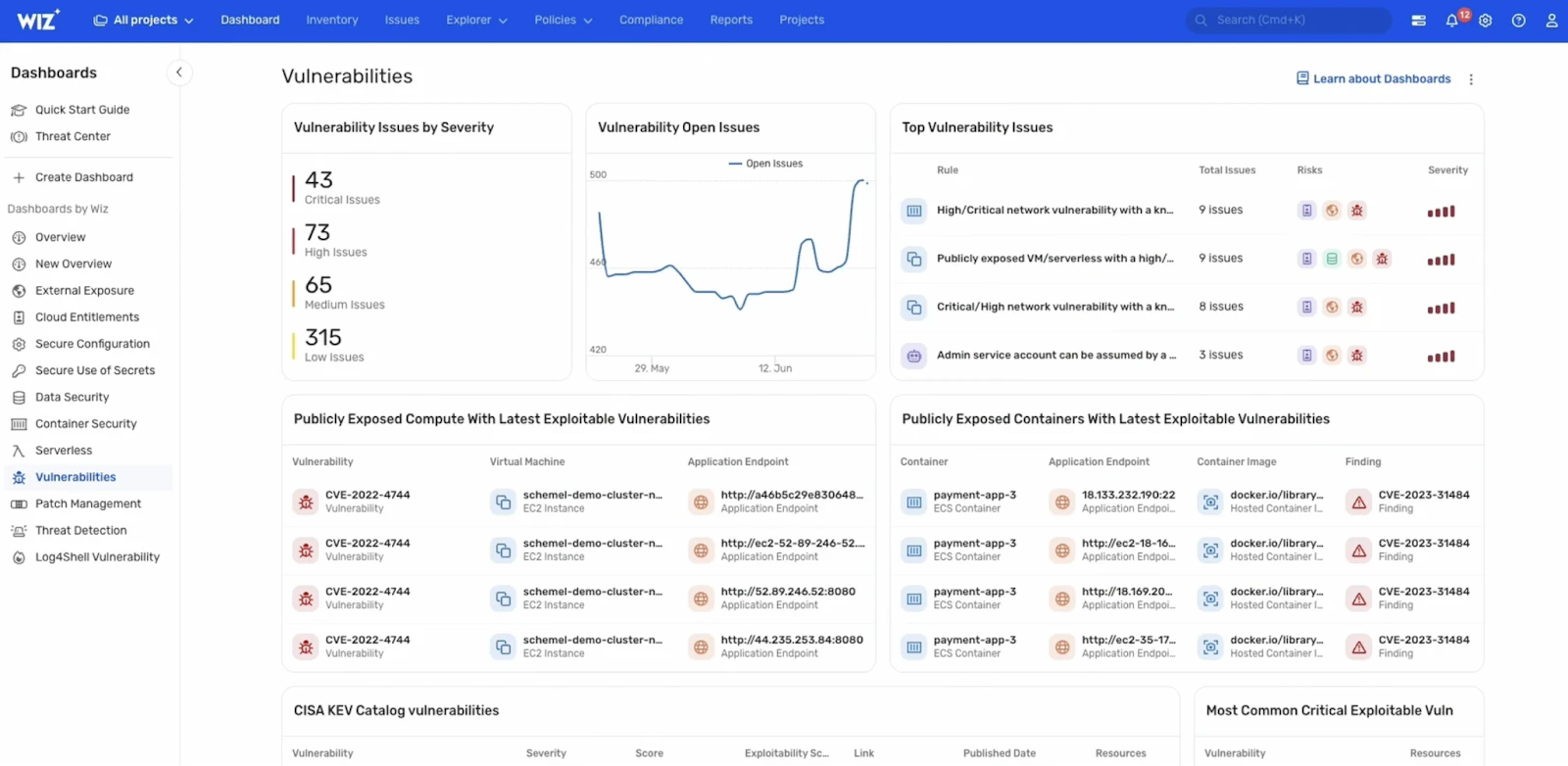
Standardized modules and golden templates simplify infrastructure management and implement security best practices across teams. These templates provide a consistent, reusable baseline for cloud assets. Developers can quickly deploy these reusable templates to ensure secure and compliant cloud resources. Using the same secure baseline maintains consistency and reduces misconfigurations.
What is a golden image in cloud security?
A golden image is an authorized template that you use to launch consistent and secure computing resources in modern cloud environments.
En savoir plus
Wiz’s approach to IaC security
Wiz secures IaC through a code-to-cloud model that connects development with actual cloud operations. At the code level, Wiz Code makes real-time scanning a seamless component of cloud workflows, providing developers with instant feedback to fix vulnerabilities before they escalate.
Here’s how it works and why it matters:
Real-time feedback for developers: Our platform flags vulnerabilities as you code, enabling developers to resolve issues early rather than patching them later.
Deep risk prioritization: Wiz Code provides early risk context by identifying high-impact misconfigurations directly in IaC templates and pull requests. Early identification allows teams to address the most critical issues in code, preventing risky changes from moving downstream.
Streamlined policy enforcement: Built-in policy enforcement and runtime-to-code feedback ensure consistent security across your entire stack.
Beyond IaC scanning, Wiz provides cloud-native features that strengthen IaC security by reinforcing safe configurations before and after deployment:
Golden VM image pipeline: This ensures VM images are secure and compliant before teams deploy them.
Runtime-to-code feedback: Wiz provides security feedback on running cloud environments that teams can use to improve the security of IaC templates and scripts.
Integration with CI/CD pipelines: Developers can integrate Wiz into their CI/CD pipelines to automate the security scanning of IaC templates and scripts, shifting security left to prevent security vulnerabilities from reaching production.
By leveraging the code-to-cloud security capabilities, your team can block misconfigurations before they disrupt production workloads, strengthening overall cloud security. To learn more about how Wiz protects infrastructure from IaC security risks, schedule a demo today.
For immediate, actionable tips, explore our IaC Security Best Practices [Cheat Sheet] to detect, prevent, and remediate IaC misconfigurations before they reach your cloud.
Secure your cloud from code to production
Learn why CISOs at the fastest growing companies trust Wiz to accelerate secure cloud development.

FAQs
Below are answers to common questions about IaC security: