

What is OSINT?
Open-source intelligence (OSINT) is the practice of collecting and analyzing publicly available information to identify security threats. Security teams use it to uncover exposed assets, leaked credentials, risky domains, and other indicators that attackers can already see, while threat actors use the same public sources to identify potential targets.
Different OSINT tools answer different questions. Understanding what each category is designed to do makes it much easier to build an effective toolkit.
The 2026 Cloud Threat Report
See the latest attack patterns and threat actor TTPs targeting cloud environments.

Top OSINT tools by category
Most mature OSINT programs combine several tools rather than relying on a single platform. The categories below group the most useful tools by what they do, making it easier to identify gaps in your own coverage.
| Category | Tools |
|---|---|
| Attack surface, network, and metadata tools |
|
| Dark web, link analysis, and automation tools |
|
Attack surface, network, and metadata tools
These tools answer the question an attacker asks first: what does this organization expose to the outside world?
Shodan indexes internet-connected devices and services by scanning ports across the public internet, rather than crawling web pages the way a traditional search engine does. Security teams use it to find exposed databases, open ports, and internet-facing devices that were never meant to be public. Paired with DNS enumeration or subdomain discovery tools, Shodan provides an outside-in view of your attack surface, the same outside-in view attackers use.
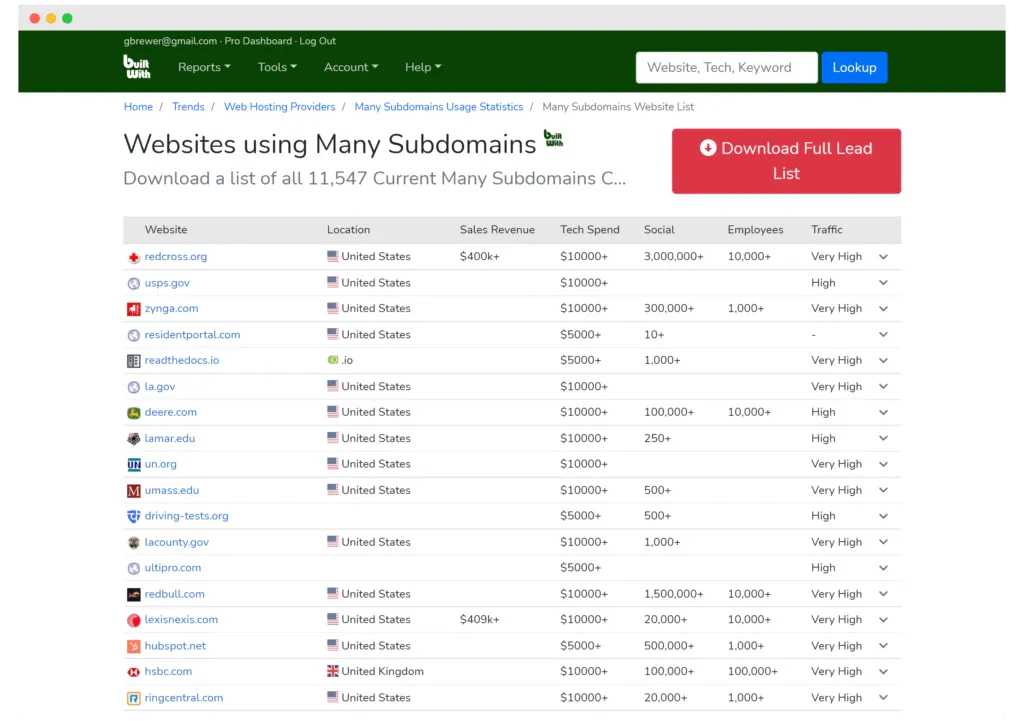
BuiltWith profiles websites to reveal their underlying infrastructure, including DNS records, content management systems, and third-party libraries. Historical technology data supports attack surface mapping and software supply chain risk assessment.
Recon-ng is an open-source reconnaissance framework with modules for WHOIS lookups, DNS enumeration, IP geolocation, and SSL certificate searches. Analysts often pair it with Google dorks, advanced search operators, or theHarvester to expand searches for subdomains and employee email addresses.
FOCA extracts hidden metadata from public documents like PDFs and Office files, often revealing internal usernames, file paths, and software versions that attackers use for reconnaissance. It pulls documents through Google, Bing, and DuckDuckGo. ExifTool performs a similar role for images and media files, surfacing embedded device details and geolocation metadata.
Dark web, link analysis, and automation tools
Once you know what's exposed, the next question is what's already been found and traded on it. These tools cover that ground: surfacing leaked data circulating in dark corners of the internet, mapping how it connects back to your organization, and automating the process so you're not doing it by hand.
Ahmia is a search engine built for indexing dark web and deep web sources, backed by an endorsement from the Tor Project. It focuses on forums, directories, and onion services relevant to security research, helping teams monitor dark web mentions of domains, usernames, and leaked credentials.
Pairing dark web monitoring with a breach-notification service like Have I Been Pwned gives you both proactive and reactive coverage of the same risk, especially useful for tracking data breaches tied to third-party vendors.
Watch 5-min demo
See how Wiz Defend detects and responds to cloud threats informed by real-time intelligence.

Intelligence X is a search engine for uncovering leaked credentials and exposed data across the deep web, dark web, and mainstream sources like Pastebin and GitHub. It continuously crawls sources that traditional search engines don't index, helping security teams detect leaked data or mentions of their organization before those findings appear through conventional monitoring.
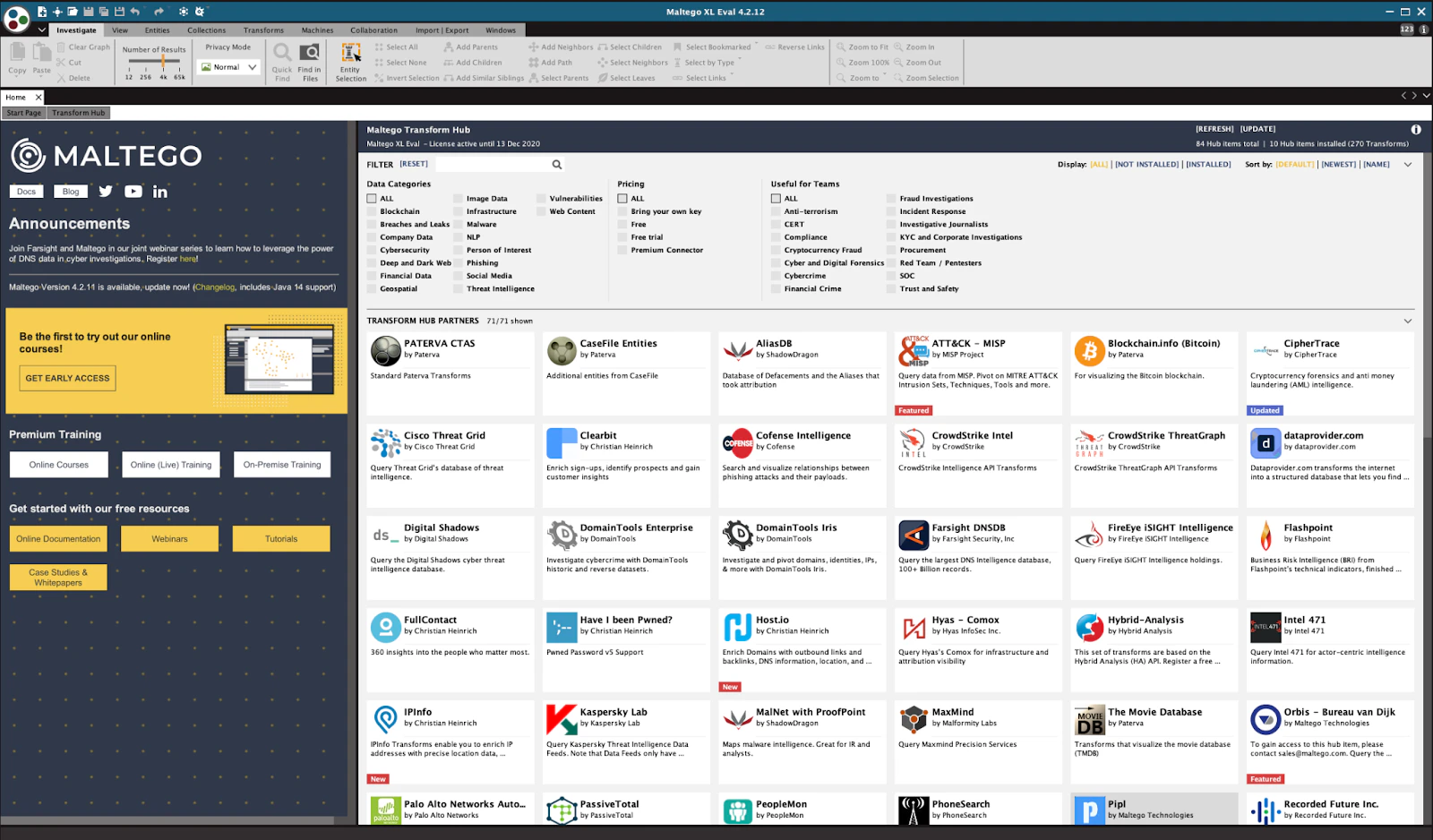
Maltego is a graphical link analysis tool that maps relationships between threat actors, organizations, domains, and infrastructure using automated transforms across more than 120 data sources. Security teams use it to investigate how domains, identities, and leaked credentials connect during incident response or threat investigations.
SpiderFoot is an open-source OSINT tool with more than 200 modules for gathering information on organizations, domains, IP addresses, and usernames. It automates tasks such as breach detection, WHOIS lookups, and DNS queries, while correlating findings across multiple data sources.
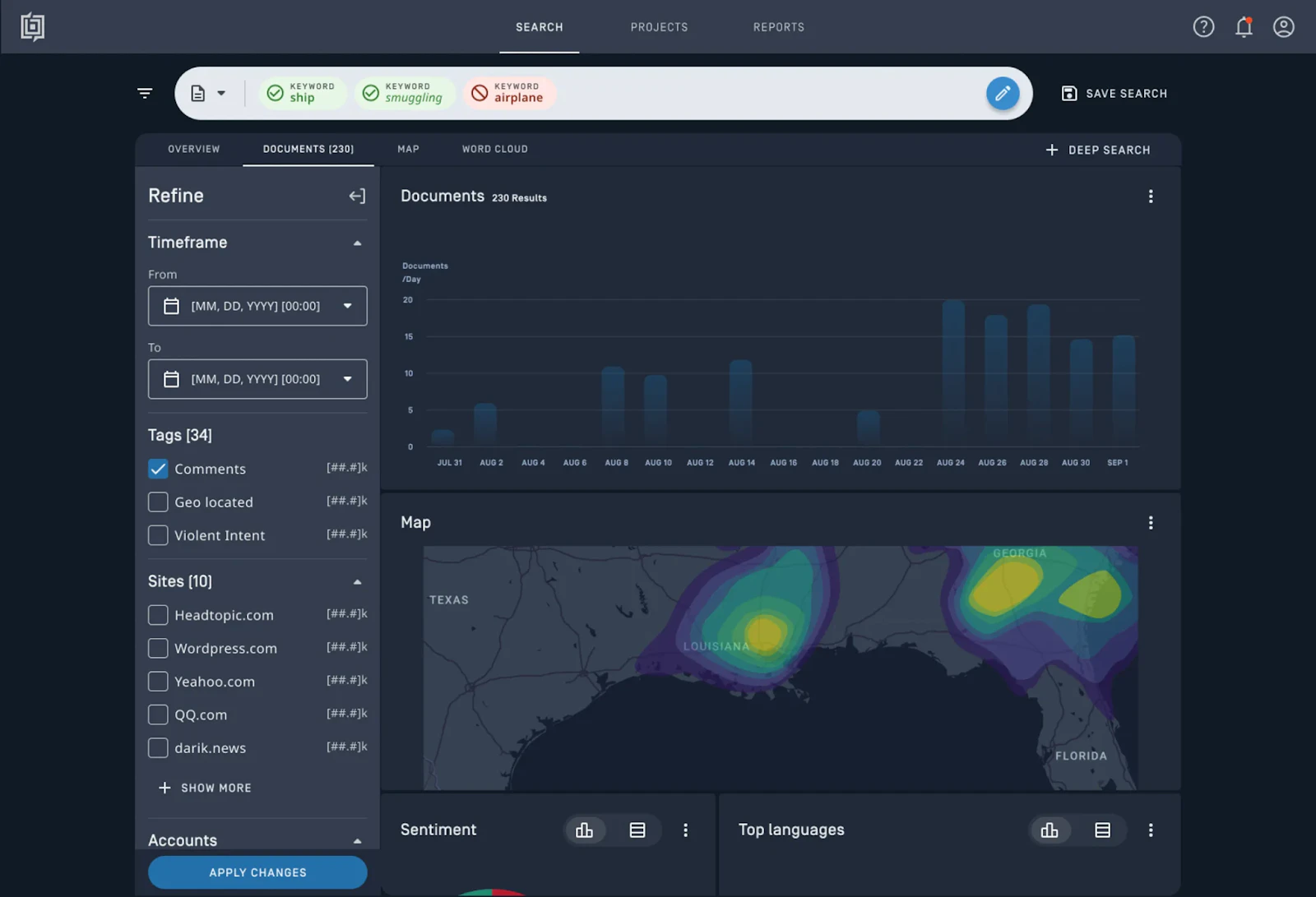
Babel X is a multilingual OSINT platform that collects publicly available information from social media, blogs, public records, and dark web forums. Machine learning and natural language processing help filter and translate content across more than 200 languages.
How OSINT differs from traditional threat intelligence
OSINT is a collection method. Threat intelligence is the broader discipline that combines OSINT with proprietary telemetry, closed-source feeds, and internal context to produce prioritized, actionable insights. A Shodan search or Maltego investigation generates raw findings, while threat intel helps teams understand who is affected, how urgent an issue is, and what to do next.
The same techniques can also be used for different purposes. Security teams use OSINT to identify exposed assets and reduce risk before an incident occurs, while attackers use publicly available information to identify targets and plan attacks.
Wiz's 2026 Cloud Threats Retrospective found that attackers increasingly use artificial intelligence (AI) to automate reconnaissance, accelerating familiar attack techniques rather than creating entirely new ones.
Verizon's 2026 Data Breach Investigations Report reinforces the need for that visibility, identifying vulnerability exploitation as the leading initial access vector for the first time in the report's 19-year history. Together, these trends make timely OSINT collection and analysis more important than ever.
The OSINT collection lifecycle
OSINT researchers generally describe this as a cycle of preparation, collection, processing, and analysis, as outlined by security training body SANS.
In practice, most teams build their own OSINT framework around six working stages:
Target scoping defines what you're investigating and why.
Source identification maps out where relevant data lives, whether that's DNS records, code repositories, or dark web forums.
Collection is the actual gathering, often through APIs, scraping, or manual search.
Processing is the data processing step where raw results get organized into a consistent format, one most teams underinvest in.
Analysis separates real findings from noise and looks for patterns across sources.
Action turns a validated finding into a fix, like rotating a credential or closing an open port.
Skipping straight from collection to action is how OSINT programs drown in unvalidated alerts.
How to evaluate OSINT tools for your environment
Most OSINT tools look impressive in a demo. The real test is whether a tool answers a specific question quickly, then lets you repeat that workflow without manual cleanup.
Coverage, data quality, and automation
Weigh these factors before you commit budget or workflow time to a tool.
Confirm the tool covers the sources you actually need, including domains, public code, document repositories, social media, and dark web indexes. Missing sources quickly lead to manual workarounds.
Check how the tool collects data (APIs, scraping, or search queries) and what limits apply, since rate limits and paid tiers affect what continuous monitoring really means.
Look for structured output you can reuse, like CSV or JSON with timestamps and confidence scores, rather than screenshots you'll have to reformat by hand.
Ask about confidence scoring or enrichment that helps reduce false positives. Otherwise, unvalidated findings create more work than they save.
Validate that it supports scheduled runs and configurable alerting, since one-off recon rarely fits an ongoing security program.
Decide where findings should land, whether that's a SIEM, SOAR platform, or ticketing system, and prioritize tools with documented APIs over UI-only exports.
Attribution, opsec, and legal fit
The remaining criteria determine whether a finding turns into a fix or just another dashboard alert.
Prefer tools that help you answer who owns a finding, since ownership is what turns an alert into remediation.
Evaluate whether the tool can correlate findings with your asset inventory or cloud configuration, since the highest-value results are the ones tied to real attack surface exposure.
Consider whether using the tool exposes your investigation to the target, since some tools make direct requests to target infrastructure that leave a trace in server logs.
Understand the pricing model, since per-query or per-source licensing can make a tool that looks affordable in a pilot expensive at scale.
Validate that the tool's collection methods align with company policy and applicable law, particularly for social media sources and automated scraping.
Using OSINT findings in a cloud security context
OSINT tools identify external signals, but understanding which ones present genuine risk requires additional context. Connecting those findings to your cloud environment helps distinguish informational alerts from issues requiring immediate action.
Why OSINT findings need cloud context to be actionable
OSINT tools excel at identifying indicators such as exposed credentials, open storage buckets, or mentions on dark web forums. What they can't determine is whether those indicators pose a meaningful risk in your environment.
A leaked credential linked to a decommissioned test account may require no action. The same credential tied to a live production identity with administrative permissions demands immediate investigation.
The Wiz Security Graph correlates OSINT findings with cloud assets, identities, permissions, and runtime context, helping teams prioritize remediation based on real exposure rather than treating every finding as equally urgent.
How Wiz Threat Intelligence enriches OSINT signals
Wiz Threat Intelligence correlates external indicators with cloud assets and identities through the Security Graph, helping teams identify which findings affect active workloads.
The Wiz Threat Center maps emerging cloud threats and attack techniques to customer environments using continuously updated research from the Wiz Research team.
As a CVE Numbering Authority (CNA), Wiz Research contributes newly disclosed vulnerabilities directly to the broader security community while incorporating those findings into the platform.
The 2026 Wiz Cloud Threats Retrospective found that exposed secrets and cloud misconfigurations remained the leading causes of cloud compromises, reinforcing the importance of combining OSINT with cloud context to prioritize real risk.
Explore Wiz Defend or start with a cloud security assessment to see how OSINT findings map to real cloud exposure.
See Wiz threat intelligence in action
Enrich OSINT findings with full cloud context, from workload exposure to identity permissions.
