

What is external vulnerability scanning?
External vulnerability scanning is a way to find weaknesses in your public-facing systems by testing them from outside your network. This means you see your environment the same way an attacker on the internet would see it.
In practice, a security vulnerability scanner sends safe probes to websites, APIs, VPNs, internet-exposed gateways, and public IPs to see what is exposed and how it responds. The scanner tests from outside your network perimeter, just as an attacker would. It looks for outdated software, bad configurations, and other conditions that could be turned into real attacks. In fact, Wiz Research found that most cloud intrusions in 2025 started with vulnerabilities, exposed secrets, or misconfigurations.
The goal is simple: find and fix exposed gaps before an attacker does. Because an external scan uses no internal access or credentials, it shows your perimeter exactly as the open internet sees it.
Perimeter security: How well your outer defenses protect internal systems.
Attack surface: All the ways an attacker could interact with your environment from the outside.
Public-facing assets: Any system or service that can be reached directly from the internet.
Vulnerability Management Buyer's Guide
This buyers guide will not only help you objectively choose or replace a vulnerability management solution, but also provide insights on how your organization can work together to own the responsibility of security as one team.

External vs internal vulnerability scanning
External and internal vulnerability scanning answer different questions, and you need both for a complete picture. External scanning checks only what the internet can reach, usually unauthenticated, since attackers don't start with passwords. Internal scanning runs inside your network with credentials, checking installed software, patches, and configuration.
Key differences:
Scope: External scans show your real external attack surface; internal scans reach systems behind firewalls and inside private networks.
Risk types: External scans focus on perimeter issues like open admin interfaces. Internal scans catch what enables lateral movement, privilege escalation, or insider abuse.
Compliance: PCI DSS requires quarterly external ASV scans, while ISO 27001 and SOC 2 expect an effective vulnerability management process without prescribing scan frequency. Both views are typically needed to demonstrate coverage.
A simple way to think about it: external scanning asks "how do I look from the outside?" Internal scanning asks "how safe am I once someone's already in?" External-only scanning misses the paths an attacker uses after the first breach; internal-only misses the front door that let them in.
Why external vulnerability scanning matters
Attackers constantly scan the internet for easy targets, and an exposed service or misconfigured firewall is usually found fast. Regular external scans catch those issues first.
External scanning also supports governance. Many frameworks expect scheduled vulnerability assessments and timely remediation. PCI DSS, for example, mandates quarterly external scans by an Approved Scanning Vendor (ASV), with rescans required until high-severity vulnerabilities are resolved, and the reports are useful for auditors, customers, and cyber insurers.
It also controls shadow IT and drift. Teams can spin up cloud resources in minutes, sometimes outside standard processes, and old projects stick around long after they should be shut down. External scans are often the only realistic way to spot these forgotten internet-facing assets.
Digital footprint: Everything about your organization visible on the internet.
Attack surface management: Finding, tracking, and reducing those external entry points over time.
PCI DSS external scanning requirements
Organizations that process credit card data must follow PCI DSS, which mandates quarterly external scans by an Approved Scanning Vendor (ASV). Key requirements include:
Quarterly scans: Run external scans at least every 90 days
Change-triggered scans: Scan after significant network changes that could affect cardholder data exposure
Passing scans: Achieve a passing scan with no vulnerabilities rated 4.0 or higher (CVSS)
Rescan requirement: Rescan after remediation until all high-severity issues are resolved
ASV certification: Only ASV-certified vendors can provide scans for PCI compliance
Note that ASV scans complement but don't replace penetration testing, which PCI DSS also requires annually and after significant changes.
Watch 12-minute demo
Learn about the full power of the Wiz cloud security platform. Built to protect your cloud environment from code to runtime.
Watch now
How does external vulnerability scanning work?
An external scan follows a repeatable sequence: it maps what you expose, tests it from the outside, and confirms what a real attacker could actually reach. Each step narrows a long list of findings down to the exposures worth fixing first.
Discover internet-facing assets: Map every domain, IP, and cloud endpoint reachable from the internet.
Probe from the outside: Send safe, unauthenticated requests to see what responds and how.
Match findings to known issues: Compare responses against known CVEs and common misconfigurations.
Validate reachability: Confirm which exposures are actually reachable and exploitable, not just present.
Report and assign owners: Route each finding to the team that can fix it, with severity and context.
Rescan after fixes: Re-run scans to confirm the exposure is closed.
External vulnerability scanning in cloud environments
Cloud environments change the game for external scans. Auto-scaling, containers, and short-lived build machines mean assets can appear and disappear within minutes. The old approach of scanning a fixed IP list from your data center does not work well anymore.
Cloud providers also assign dynamic IP addresses to many resources, so the address in use today might be different tomorrow. That constant churn is what breaks static scanning approaches.
At the same time, cloud adds many new kinds of entry points:
Storage endpoints: Public buckets and file shares.
Managed databases: Services that can be opened to the internet by a simple checkbox.
API gateways and load balancers: Front doors to microservices and backends.
CI/CD and registries: Developer tools that sometimes expose admin interfaces.
Many of the highest-risk problems here are misconfigurations, not just unpatched software. A database that is open to the world, even if fully patched, is still a major risk if internal data is behind it. Wiz Research found that 54% of cloud environments have exposed VMs and serverless instances that hold sensitive data. Think publicly accessible storage buckets or overly permissive security groups.
Because of this, a cloud-ready security vulnerability scanner needs to blend traditional network checks with cloud-aware context. Specifically, it should:
Analyze effective exposure paths: Trace how traffic can reach a resource through load balancers, security groups, network ACLs, and routing tables, not just whether a port is open
Incorporate identity blast radius: Understand which IAM roles, service accounts, and cross-account permissions are attached to exposed resources, since a compromised service with admin rights is far more dangerous than one with read-only access
Track resource relationships: Map how exposed services connect to databases, storage, and other backend systems to understand lateral movement paths
Validate cloud-specific misconfigurations: Check for public S3 buckets, overly permissive security groups, exposed RDS instances, and publicly accessible Kubernetes API servers
Ephemeral resources like serverless functions and short-lived containers make it hard to catch everything with one-time scans. A better approach is to use cloud-native scanning that tracks resources as they come and go, and then focuses deeper external checks on anything that is actually reachable from the internet.
Best practices for external vulnerability scanning
Good external scanning is a habit, not a one-time tool run. A few consistent practices keep your scans focused, repeatable, and useful to the teams that fix what you find.
Start by defining clear policies. Decide which systems must be scanned, how often, and how quickly different severities should be fixed. Make sure these expectations are written down and shared with owners.
Comprehensive asset inventory: Keep a live list of all external-facing assets, including cloud endpoints. Use several discovery methods such as DNS lookups, certificate analysis, and cloud API queries to avoid blind spots.
Risk-based prioritization: Treat issues differently based on impact and exploitability. Augment CVSS scores with signals like public exposure, known exploitation status (for example, CISA KEV catalog), identity blast radius, and business criticality. Focus first on high-value systems, sensitive data, and vulnerabilities that combine into toxic chains.
Next, connect scanning to how you build and ship systems. Embedding external checks into your CI/CD pipelines helps you catch dangerous exposures before they go live. This "shift-left" move saves your teams from late surprises.
You should also aim for continuous or frequent scanning rather than rare, manual runs, because dynamic infrastructure means a one-time clean bill of health does not last long.
Finally, make sure each finding has a clear home. Map vulnerabilities to service owners or teams, set remediation SLAs, and track whether fixes actually work through follow-up scans.
Common external scanning pitfalls and how to avoid them
Watch out for these gaps that weaken external scanning programs:
Static IP lists only: Cloud resources use dynamic IPs that change constantly. Use cloud API discovery instead of maintaining manual IP lists.
Ignoring identity paths: A vulnerability matters more when the compromised service has admin rights or cross-account access. Correlate exposures with identity blast radius.
Missing ephemeral assets: Short-lived containers and serverless functions can expose vulnerabilities for hours before disappearing. Use continuous scanning, not weekly snapshots.
No ownership mapping: Findings without clear owners sit unresolved. Tag resources with team identifiers and route alerts automatically.
Pure CVSS triage: Severity scores don't account for exposure or business context. Prioritize based on exploitability, exposure, and data sensitivity.
Not scanning after changes: New deployments can introduce exposures. Integrate scanning into CI/CD pipelines and change management workflows.
Aggressive scan rates: Overly aggressive scanning can trigger rate limits or disrupt production. Use safe scanning modes with appropriate throttling.
Key metrics for external scanning programs
Track these KPIs to measure program maturity and demonstrate security improvement:
Mean time to validate (MTTV): How quickly you confirm whether a detected exposure is exploitable (target: under 24 hours for critical findings)
Mean time to remediate (MTTR): How long it takes to fix validated exposures (target: 7 days for critical, 30 days for high)
Exploitable exposure count: Number of internet-facing vulnerabilities that are both reachable and exploitable (goal: zero critical)
Coverage percentage: Proportion of internet-facing assets scanned in the last 7 days (target: 100%)
Ownership SLA adherence: Percentage of findings routed to correct teams within defined timeframes (target: 95%+)
Exposure trend: Month-over-month change in total exposed services and vulnerabilities
Shadow asset discovery rate: New internet-facing assets found that weren't in your inventory
How Wiz approaches external vulnerability scanning
Most external scanners tell you a port is open but not whether it reaches sensitive data or an over-privileged role. Wiz closes that gap by combining what the internet can see with what your cloud environment looks like inside, so you get both the outside view and the internal context to act fast.
Wiz ASM automatically discovers all your internet-facing assets across cloud providers. It uses agentless cloud connections, so it finds exposed virtual machines, storage buckets, databases, Kubernetes ingress points, and APIs, even when they have dynamic IPs or were created outside official processes.
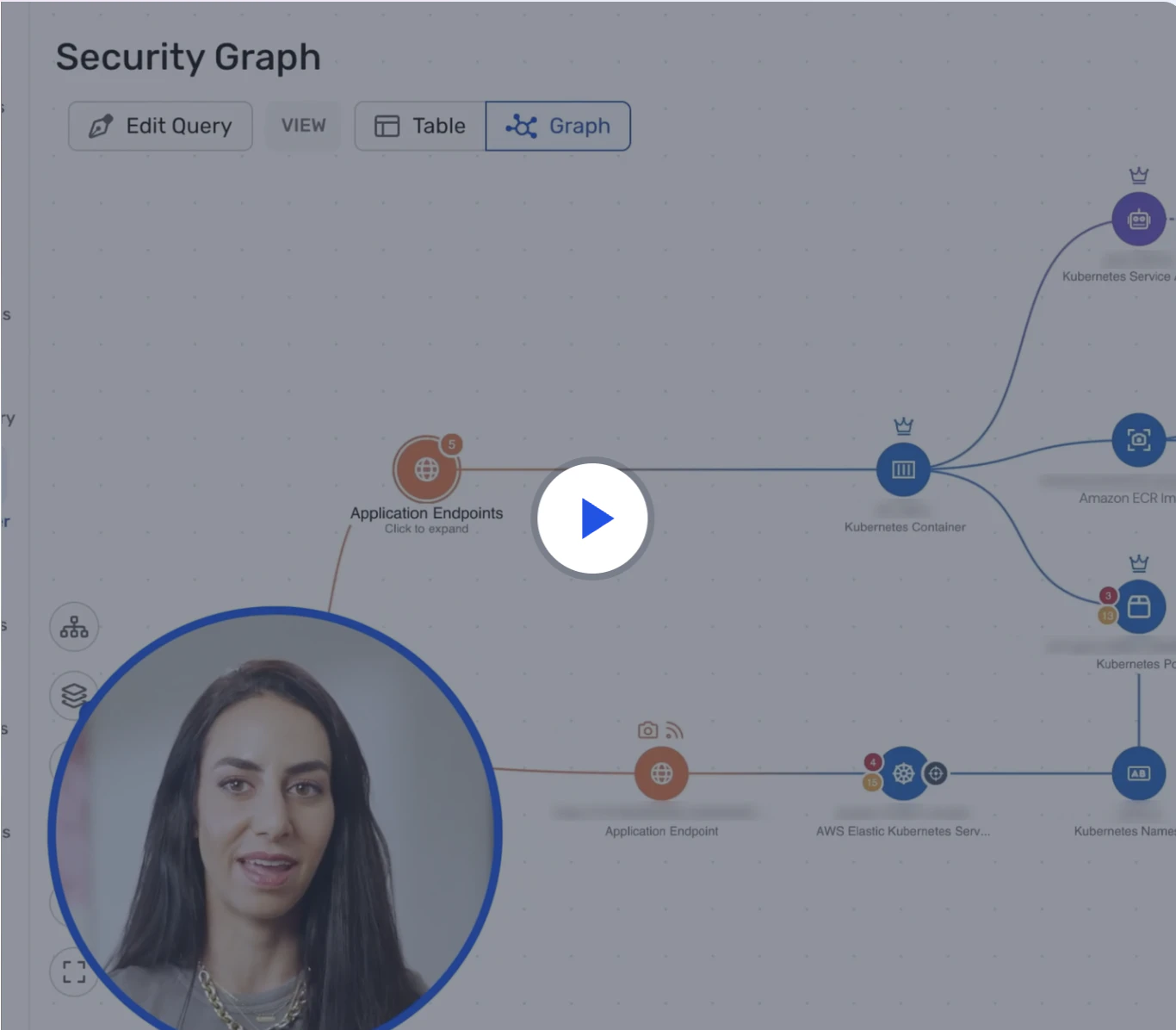
What makes Wiz different is how it connects external findings to internal cloud details using the Wiz Security Graph. When Wiz finds an exposed service with a vulnerability, it also shows:
Which identities have access and whether they are overprivileged.
How an attacker could move laterally from that service to other systems.
Whether sensitive data is reachable along that path.
This "toxic combination" view turns a flat list of CVEs into a ranked set of real attack paths. It helps you focus on the exposures that truly matter, not just the ones with the loudest severity score.
The Wiz Red Agent takes this further by reasoning like an attacker. This AI-powered agent probes your web applications and APIs from the outside in, adapting to how each one responds to confirm which exposures are genuinely exploitable rather than just present.
Wiz UVM extends this by unifying vulnerability management across your entire cloud stack, from code to cloud to containers. It correlates external exposures with internal vulnerabilities, misconfigurations, and identity risks to show you which combinations create real attack paths. Instead of treating every CVE the same, Wiz UVM prioritizes based on exploitability, exposure, and blast radius, so your teams fix what actually matters first.
Because Wiz brings together CSPM, CWPP, CIEM, DSPM, and external scanning in one platform, you see all of your risks in one place instead of juggling separate tools. You get a single prioritized queue that already accounts for context, exposure, and business impact. Book a demo today!
See Wiz in Action
Discover how Wiz unifies external scanning with cloud-native context for complete vulnerability management.
