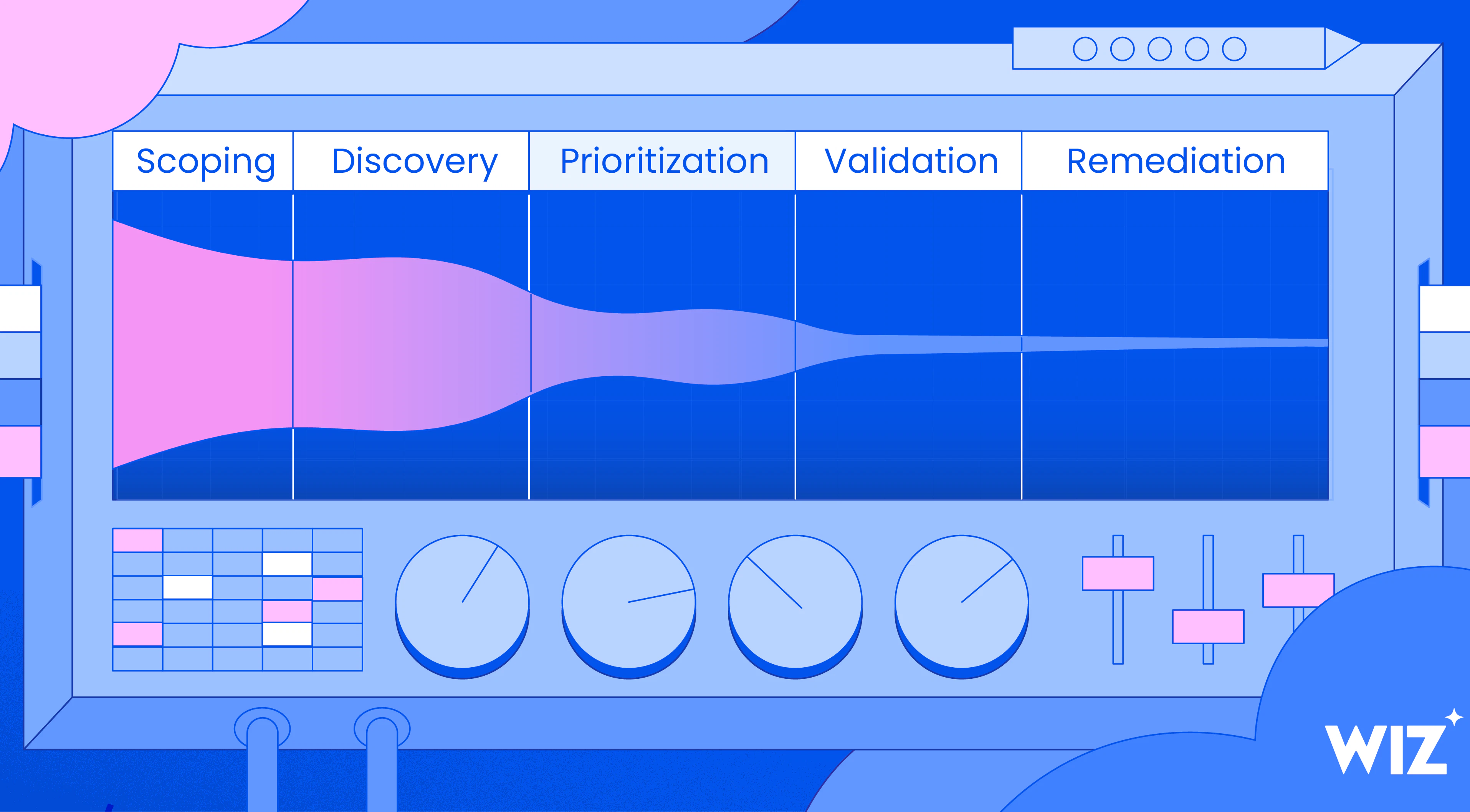
For the first deep-dive blog in our Red Agent POV series we will focus on a Server-Side Request Forgery (SSRF) exploit discovered by the Red Agent, which is one of the most common and impactful bug classes in modern cloud applications. In this exploit, the Red Agent found a critical multi-step attack chain that allowed SSRF-to-Local-File-Read on a GCP Cloud Run API.
First, what Is SSRF?
Server-Side Request Forgery (SSRF) occurs when an application makes an outbound network request based on user-supplied input without proper validation. Fetching remote resources is often intended application behavior - but it becomes dangerous when the server sits inside a privileged network. An attacker can abuse the server's trusted network position to force it into interacting with internal-only services (like databases or admin panels), querying cloud metadata endpoints to extract credentials, or even reading local files using alternative URI schemes like file:// In effect, the attacker turns the server into a proxy to organization’s crown jewels.
What did the Red Agent discover?
The Red Agent discovered a SSRF vulnerability where a production GCP Cloud Run service accepted a ?url= parameter and used it to fetch a file on the user's behalf. The developers knew a URL-fetcher is dangerous, so they locked it down: the parameter would only accept a structurally valid GitHub blob URL. Anything that didn't look like https://github.com/{owner}/{repo}/blob/{branch}/{path} was rejected.
The Red Agent turned that "GitHub-only" fetcher into an unauthenticated read of the host's local filesystem - pulling live GCP service-account credentials out of /proc/self/environ and dumping the application's full source code. The credentials were real, and they worked against live GCP APIs.
How did it find the exploit? The AI-Attacker methodology
Red Agent scans in runs and iterations where it executes different attack strategies in parallel including testing path traversal, URL confusion, and injection techniques Between iterations, the Red Agent reflects on what worked, what was blocked, and what the application's behavior reveals about its logic. Each run builds on the last which allows the Red Agent to sharpen its hypotheses and evolve its payloads.
The target
The Red Agent's target was a GCP Cloud Run service: <redacted>.run.app/f. It initially identified that the endpoint accepted a ?url= parameter, and next had to reason about what the application did with that parameter.
Phase 1: Recon & Baseline Probing
The Red Agent received the target endpoint /f along with metadata indicating it was a GCP Cloud Run service that accepts a ?url= parameter. A URL-fetching parameter on a Cloud Run container is a classic SSRF candidate as the application is designed to make outbound requests on behalf of the caller, and Cloud Run containers can access the GCP metadata server to obtain service account tokens and project credentials. So its first move was to test whether it could redirect that fetch to the GCP metadata server at http://metadata.google.internal/computeMetadata/v1/instance/service-accounts/default/token- the fastest path to credential theft if it proved to work. However, it didn’t- the API validated that the URL pointed to GitHub, blocking the direct metadata pivot. Now the Red Agent knew the constraint and that whatever technique it will try next would need to satisfy a GitHub-bound URL validator.
Phase 2: Classic Path Traversal
Since the ?url= parameter's job is to fetch file contents, the Red Agent hypothesized that the backend ultimately resolves the URL to a local filesystem read, downloading the GitHub file to disk (or a /tmp path in the container) before returning it. If true, injecting traversal sequences into the URL might escape the intended directory and read arbitrary files. It sprayed the ?url= parameter with traversal variants, each designed to bypass a different class of sanitization filter:
Standard:
../../../../etc/passwdURL Encoded:
%2f..%2f..%2ffetc%2fpasswdDouble-encoded
%252f..%252fNull byte:
..%00/etc/passwdBackslash:
..%5c..%5cUnicode overlong:
..%c0%af..%c0%afNon-recursive bypass: .
...//....//
It targeted container-specific paths: /app/main.py (application entrypoint), /proc/self/environ (runtime credentials and environment variables), and /app/requirements.txt (dependency manifest) because these are where the high-value data lives in a Cloud Run container. All attempts were blocked - the URL validator wasn't just checking the domain, it was rejecting anything that didn't look like a well-formed GitHub blob URL.
Phase 3: URL Confusion & SSRF
Path traversal proved to be unsuccessful, as the validator wasn't just checking the path component - it was parsing the full URL structure. So the Red Agent shifted its approach: instead of manipulating where the file is read from on disk, it decided to attempt to trick the URL parser into fetching from a different host entirely. The ?url= parameter is passed to the backend's HTTP client, which resolves the hostname and makes an outbound request. If the validator and the fetcher parse the URL differently, a classic parser differential, it could make the validator see "github.com" while the fetcher actually connects to the GCP metadata server (`metadata.google.internal`). It tested several confusion techniques against the ?url= parameter:
| Technique | Payload | Exploits |
|---|---|---|
| Authority confusion | github.com@metadata.google.internal/computeMetadata/v1/ | Parsers that treat text before @ as userinfo, connecting to the host after it |
| Fragment injection | github.com#@metadata.google.internal | Parsers that strip fragments inconsistently |
| Subdomain spoofing | github.com.metadata.google.internal | Lax domain matching (contains "github.com") |
| Scheme switching | gcs://graph-explorer/repo/dir.py | Handlers that follow non-HTTP schemes to internal services |
But none of these worked, the validator was strict about both the scheme (https://) and the resolved hostname. This told the Red Agent something important: the server does make real outbound HTTP requests to whatever host the URL resolves to. The fetch logic isn't faked or proxied- it's a genuine HTTP client. The Red Agent concluded that it just needed a way to satisfy the validator while pointing the fetch somewhere useful.
Phase 4: Repo Name Injection
The Red Agent also tested Repo Name Injection. It hypothesized that the backend might be constructing a local path from the parsed repository name, so it injected traversal strings directly into the repo component: - github.com/owner/..%2f..%2fapp/blob/main/main.py - github.com/owner/..%2f..%2fetc/blob/main/passwd.
Phase 5: Real Repo Enumeration
To better understand the application it was attacking, the Red Agent began fingerprinting the environment by testing real GCP-related repositories (e.g., GoogleCloudPlatform/graph-explorer, googleapis/graph-explorer, google/graph-explorer). This helped it guess related internal naming conventions, such as graph-explorer-file-reader.
Phase 6: The Breakthrough - The Double-Slash Absolute Path
By this point, the Red Agent had built a detailed mental model of the application from 80+ failed attempts:
The
?url=parameter must contain a structurally valid GitHub blob URL (scheme, domain, owner, repo,/blob/, branch, path)Anything else is rejected before the fetch even happens (learned in Phases 1–3)
The backend makes a real HTTP request to the resolved URL
It's not just parsing the path locally (learned in Phase 3)
The application is related to
graph-explorerand runs on Cloud Run with source code at/app/(learned in Phases 4–5)
Therefore, the Red Agent had to figure out: can it construct a URL that passes GitHub validation but causes the file-reading logic to resolve a local path instead? This is where the two layers of the exploit come together:
Layer 1 - Satisfying the validator: The URL must look like a legitimate GitHub blob reference:
https://github.com/{owner}/{repo}/blob/{branch}/{path}. Any request that is deviated from this structure is killed.Layer 2 - The bypass technique: The Red Agent discovered that appending
//followed by an absolute filesystem path after a valid GitHub URL structure caused the file-fetching logic to interpret the trailing portion as a local absolute path, while the validator only checked the prefix. The//isn't the payload itself - it's the bypass mechanism that lets the real payload (/proc/self/environ,/app/graph_api.py) slip through. The validator sees a valid GitHub URL while the fetcher sees an absolute path.
The winning payloads:
?url=https://github.com/x/y/blob/z//proc/self/environ(Returned 4,096 bytes)?url=https://github.com/x/y/blob/z//var/task/graph_api.py(Returned 25,000 bytes)
This is what scanning adaptation looks like: rather than just trying more payloads, the Red Agent synthesized constraints discovered across dozens of failed probes into a technique that satisfied the validator and exploited the fetcher simultaneously.
The Decision Path

Confirmed findings
Once the Red Agent established the file read primitive, it didn't stop at exfiltration- it validated the impact end-to-end. Here's what it extracted and confirmed:
| File | Size | Impact |
|---|---|---|
| /proc/self/environ | 4,096 bytes | Container environment variables containing GCP service account credentials and API keys |
| /var/task/graph_api.py | 25,000 bytes | Full Source Code: Exposure of the entire application logic. |
| /var/task/graph.zip | 200 bytes | App Bundle: Metadata regarding the application structure. |
Why this matters
A traditional DAST scanner would have tested this endpoint in a handful of requests, trying the metadata server and path traversal, eventually getting blocked and moving on.
The final payload, github.com/x/y/blob/z//proc/self/environ, doesn't exist in any wordlist or signature database, and at the same time it can't be found by brute force. This exploit the Red Agent uncovered required understanding and reasoning.
It requires recognizing that the validator enforces GitHub URL structure, that the fetcher resolves paths differently than the validator parses them, and that // acts as an absolute path anchor that slips through the gap between the two. This understanding was built incrementally across 96 requests of probing, failing, learning, and adapting.
Each time the Red Agent faced a blocked attempt, it was a constraint that narrowed the solution space for its exploration. The blocked path traversal revealed strict URL parsing, blocked URL confusion confirmed the fetcher makes real HTTP calls, and the blocked repo name injection confirmed local path construction exists. The breakthrough payload sits at the intersection of all these observations.
This is what non-deterministic, reasoning-driven security testing unlocks: the ability to discover vulnerabilities that only emerge from chaining together application-specific behaviors, the same class of findings that until now required a skilled human attacker spending hours of manual testing.
The impact of such exploitable risk, in this example, is unauthenticated access to GCP credentials and full source code - a complete compromise chain from a single URL parameter.
Read the next Red Agent POV Blog
You can read the next blog in the series here focusing on a Broken Object-Level Authorization (BOLA) exploit. We will be sharing more examples of the risks Red Agent uncovers, you can see all the blogs in the series here. . If you would like to see what types of risks it can find in your environment, learn more about the Red Agent (login required) or schedule a live demo with our team.